
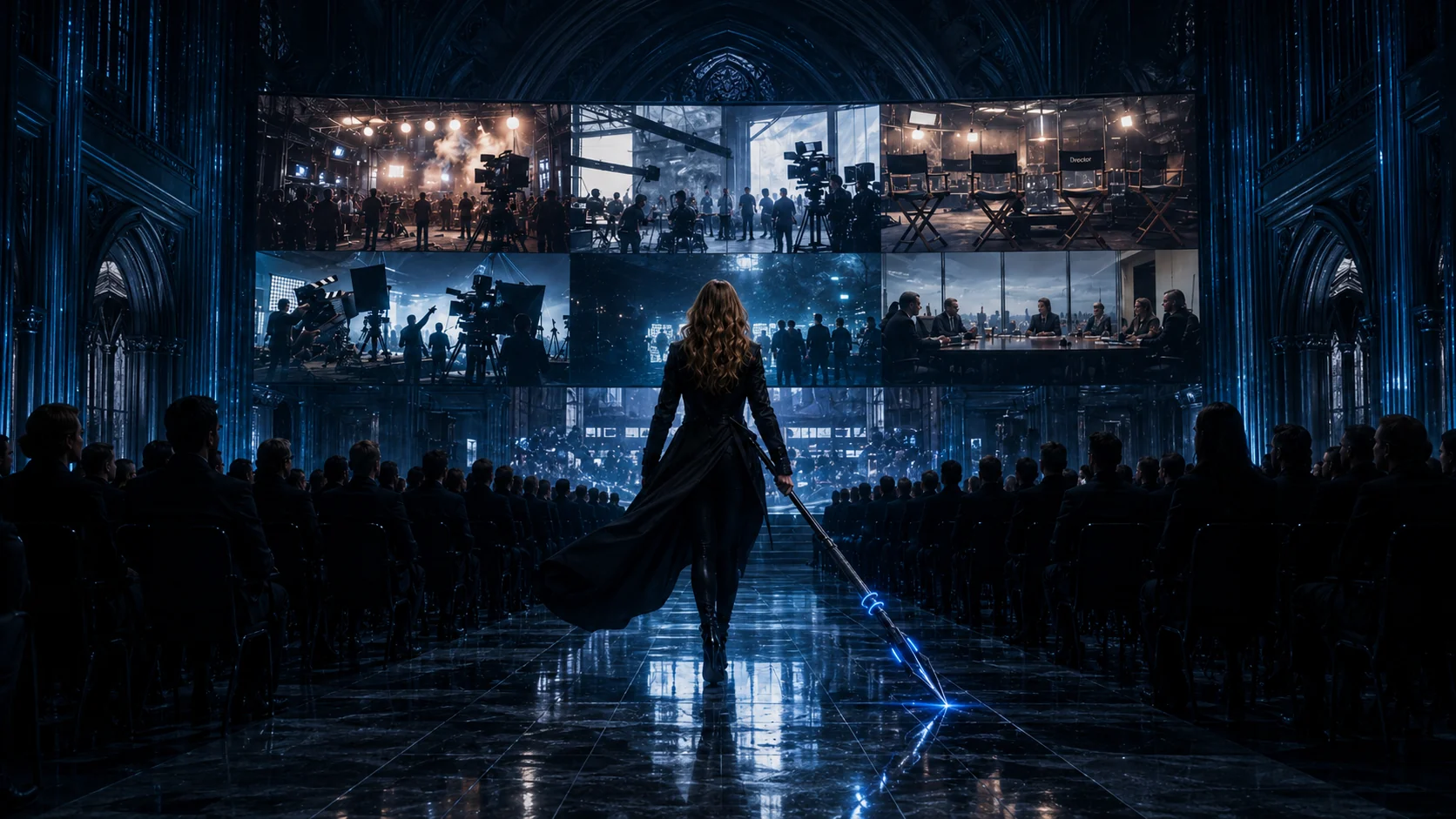
In the filmIt starts with your website. Paste the link, and Studio gets to know your brand: your colors, your fonts, the way you talk, and who you're talking to.
Studio walkthrough Website to finished ads
Fotyra Studio: from your website to on-brand ads.
A tour of the e-commerce ad studio, start to finish: it reads your brand from one link, learns your product and casts a spokesmodel, then takes your direction, or none, checks its own work, and hands back static ads, UGC clips and cinematic films that look like yours.
- 10steps shown
- 300+brand details read
- 7direction controls
- 4video formats
Every film and still in this walkthrough was made in Fotyra Studio, and the tour follows the order a brand really works in. Set up once (your brand, your products, the faces you want to keep), then make as much as you like on top of it: a batch of static ads, a run of UGC clips, a cinematic hero film. Each step below has the film's own words, frames from it, what the step does in more detail and the guide to read when you try it yourself.
0:12 · Step 01
Your website becomes a Brand DNA
Paste one link. Fotyra Studio reads your colors, fonts, voice and audience before it makes anything.
A new project asks for two things, your brand name and your website. From there the studio does the reading a new agency would spend its first week on: it pulls your logo, palette and fonts, drafts how your brand looks and sounds, and works out who you sell to. The first build is free.
What comes back is a profile of more than 300 details in nine sections, from Mood & Energy and Visual Identity to Brand Voice & Tone and Competitive Landscape. It is the reason the ads look like yours: the Creative Director never guesses at your colors or your tone, it looks them up here. Every edit you make saves a new version, so nothing is ever overwritten.
- A Brand Snapshot on one screen: logo, data points, mood, colors, typography and a voice profile
- One of fourteen moods, detected from your brand, steers story, camera, cutting and score
- Positioning, messaging and competitors come from a background deep-research pass
0:27 · Step 02
Every product gets its own DNA, and its own rules
Add a product page the same way. The studio learns what you can say about it, and what it must never say.
In the filmThen add a product the same way. Studio pulls out the benefits, the proof, the claims you can make, and the ones you can't. It studies every photo too, so your product looks like your product, not a look-alike.
Every ad, product shot and film in Fotyra is written against exactly one product. Paste its page (a Shopify variant link works) and press Build from URL. The studio sorts the page into features and the benefits they earn, proof points and the objections they answer, and a set of guardrails: approved claims, restricted claims, language to avoid and what may never be shown. Every copywriter and director pass reads them, so a claim you strike out never comes back in a headline.
Then it looks. A vision model reads each photograph and writes its angle and a one-line caption, and from them it builds a product reference sheet made of your real pictures only. A view you never photographed stays missing rather than being invented, which is how the can in the ads stays the can on your shelf.
- Claims you can make and claims to avoid, read before any line of copy is written
- A reference sheet with Clean Sheet, Raw Sheet and Scale Reference views
- After every render, a Quality Checker compares the product against that sheet and scores it out of ten
0:42 · Step 03
AI spokesmodels your audience will recognize
Cast a face that fits your customer, save it, and keep it for every campaign.
In the filmWant a person in your ads? Studio suggests spokesmodels that fit your audience, or you can describe your own. Save one, and it's the same face in every campaign.
A spokesmodel is an AI character with a fixed identity: a portrait, a voice and a multi-pose reference sheet, generated from your Brand DNA. Ask for one and the studio first writes five concepts tailored to your brand, your audience and the products it has already read. Each is a paragraph you can edit in place, so you can keep one, rewrite it, or ask for new ideas.
Once a persona is saved, its reference sheet (front, three-quarter and back) goes into every generation that features it. That is what keeps a campaign from turning into a crowd: the director casts one model per concept, and every scene reads as the same person. If you would rather browse than write, the Fotyra Spokesmodels roster filters by gender, age range, ethnicity, skin tone, archetype, build, language and audience.
- Five recommended concepts to start from, each one editable
- A saved persona carries a portrait, a voice, a visual brief and a reference sheet
- Credits are charged only when the persona is delivered
0:53 · Step 04
Set up a batch of static ads in three steps
Setup, Product, Direction. Only two choices are required: what you are making and which product it is for.
In the filmNow let's make something. Five static ads. Set the count, add a spokesmodel, and pick the product.
The Create page is a three-step planner. Setup asks what you want to make: under Static Creative that is a static ad, a product shot or an infographic. You can describe the idea in your own words, a scene or a line you keep hearing from customers, or leave the brief empty and let the Creative Director decide from your Brand and Product DNA.
Output settings sit underneath: the canvas size, how many images to make, your brand logo (on by default, using your Brand DNA primary) and a spokesmodel if you want one. The Product step anchors the batch to one product. Nothing is drawn, and nothing is charged, until you confirm the plan, and every option shows its price before you choose it.
- Static creative, product shots or infographics, from one planner
- Seven canvas ratios, an output count, the logo and the cast set in one place
- Pick a spokesmodel from your own roster or the Fotyra Spokesmodels library
1:00 · Step 05
Direct the creative, or leave it to the director
Boldness, mood, look, framing, expression, pose and wardrobe. Set the ones you care about; the rest are handled.
In the filmHere's where you get to direct. Boldness sets how far Studio pushes: safe, signature, or bold. Then shape the mood, the look, the framing, expressions, poses, even the wardrobe. Or leave it blank, and Studio makes the call.
Boldness is always on. Safe keeps the work calm and on-brand, Signature (the default) is confident and refined, and Bold breaks the mold. Every other control is optional and pictured, so you choose by looking rather than by reading a list of adjectives.
Mood & Energy offers fourteen moods and takes up to five. Visual Look & Feel sets a house style from eight looks, from Sunlit and Quiet Luxury to Saturated Pop and Cinematic Noir. Framing decides who fills the frame, from the product alone to a person as hero; expressions and postures cover twenty-one registers and forty-four poses; wardrobe offers eight style families, and the director picks the exact garments. A row left empty reads Agent picks, and the Fotyra Director chooses for you. Before anything is made, the Production Brief shows every decision in one place.
- Review Concepts plans the batch for free so you can read it first
- Generate Now skips the review and makes the batch straight away
- Everything left blank is decided from your brand, not at random
1:18 · Step 06
Every ad is checked before it reaches you
The studio reviews its own work, and redoes whatever falls short, before you see a thing.
In the filmHit generate. While it works, Studio checks its own work: the plan, the direction, every frame and every video, and redoes anything that doesn't pass before it ever reaches you.
Generating is not the last step. While the batch renders, the studio reviews its own work at each stage: the plan, the direction, every frame and every video. After each render the Quality Checker compares the output with your product reference sheet and the spokesmodel's references, and when it finds significant drift it re-renders the piece on its own. A corrective re-render never costs you extra.
The result of that check travels with the ad. Every card in the Creative Library carries a Fidelity report with a product score and a persona score out of ten, and a Creative Direction tab with the recipe the ad was made from. The report is advisory, never a gate: the decision to approve stays with you.
- The plan, the direction, every frame and every video are checked
- Significant drift is re-rendered automatically, at no extra cost
- A Fidelity report on every card: product and persona scores out of ten
1:31 · Step 07
Five on-brand static ads, a few minutes later
Five different ideas, one product, the same face in every one, each waiting for your yes.
In the filmA few minutes later, you've got five different ideas: your colors, your product, and the same face in every one.
The batch lands in the Creative Library, and the five ads do not share a layout. One says the window is still yours, one says the blank page wins again, one takes a single idea further, one ties a launch together and one is for people who hate waiting. What they share is what should be shared: the brand's colors, the product as it really looks and the same spokesmodel.
Nothing leaves Fotyra without a person saying yes. Approve an ad, or reject it with a reason (off tone, weak hook, off-brand visual, too generic and more), and both answers feed the taste profile under What Fotyra learned.
- Five different ideas from one brief, or from no brief at all
- The same spokesmodel and the same product across the batch
- Approvals and rejections teach Fotyra your taste
1:40 · Step 08
UGC, product B-roll and cinematic video ads
Switch the same planner to video and you are directing a shoot: the camera, the product's moment and the cut.
In the filmAnd it's not just stills. Switch to video for UGC-style clips, product B-roll, or full cinematic ads. Now you're directing a shoot: how the camera moves, when the product appears, how fast it cuts.
Video Ads offers four formats: UGC (creator-style phone video with natural product cutaways), Product B-Roll (cinematic product shots and details), Cinematic Ad (story-driven video with a cinematic look) and Cinematic UGC (creator-led storytelling with polished commercial cinematography). The setup is the one you already know, with a running time in place of a count.
The movie controls are where a film gets its character. Camera Language is a palette: pick as many of fourteen moves as suit the brand, from Slow Orbit to Whip Pan, and the Director assigns one move per scene. Product Timing changes the story itself: the product can be the hero throughout, arrive mid-film and again at the end, or be held back for an earned end reveal. Pacing holds one energy curve for the whole film: Slow Burn, Hold-Hold-Hit, Montage Pulse, Front-Loaded or One Breath.
- Every film plan writes five concept cards to read, free, and you direct up to three
- Leave every movie control empty and the Creative Agent tunes them to your brand's energy
- Soundtrack: director's choice, music only, or with voice-over
1:55 · Step 09
Controls built for action sports and vehicles
Twenty-five rigs, from motocross and off-road 4x4s to surfboards, skis and skydiving.
In the filmThere's even a set of controls just for action sports and vehicles.
Action Sports & Vehicles puts a machine or a piece of kit in the frame: twenty-five rigs in six tabs. Vehicles & Wheels covers bicycles, motorcycles, motocross, ATV/UTV, cars and off-road 4x4s; Boards, Snow & Water covers skateboards, snowboards, skis, snowmobiles, surfboards, kitesurfing, jet skis and white-water kayaks; then skydiving, strength and track, sports equipment, and even horses and dogs.
Terrain follows the machine, so a motocross bike lands on dirt and a snowboard on a slope. You choose the rig; the move, the shot and the safety gear are handed to the Creative Director. A machine needs a person in the frame, and none of the rigs is rated for Safe: Signature unlocks the calmer ones and Bold unlocks the rest.
- Twenty-five rigs in six tabs
- On a Cinematic Ad, up to five, one machine per concept
- The director handles the move, the shot and the safety gear
2:00 · Step 10
Your whole launch, made in one place
The ads, the social clips and the hero film, every piece of it looking like your brand.
In the filmSo picture your next launch. The ads, the social clips, the hero film, all made in one place, and every piece of it looking like your brand.
Every film and still in the walkthrough was made in Fotyra Studio, from the surf and snow opening to the gym and the mud. Because the Brand DNA, the Product DNA and the spokesmodel sit under every job, the static ads, the vertical clips and the cinematic hero film come out as one campaign rather than three suppliers' work stitched together.
The gallery holds the rest, sorted by vertical and format, and the case studies show whole sessions brand by brand: what the studio was given, what it made, and what was approved.
Walkthrough transcript
The full voice-over, with a timestamp to play from each line
[Music]
Everything you're about to see was made in Fotyra Studio. Let me show you how.
It starts with your website. Paste the link, and Studio gets to know your brand: your colors, your fonts, the way you talk, and who you're talking to.
Then add a product the same way. Studio pulls out the benefits, the proof, the claims you can make, and the ones you can't. It studies every photo too, so your product looks like your product, not a look-alike.
Want a person in your ads? Studio suggests spokesmodels that fit your audience, or you can describe your own. Save one, and it's the same face in every campaign.
Now let's make something. Five static ads. Set the count, add a spokesmodel, and pick the product.
Here's where you get to direct. Boldness sets how far Studio pushes: safe, signature, or bold. Then shape the mood, the look, the framing, expressions, poses, even the wardrobe. Or leave it blank, and Studio makes the call.
Hit generate. While it works, Studio checks its own work: the plan, the direction, every frame and every video, and redoes anything that doesn't pass before it ever reaches you.
A few minutes later, you've got five different ideas: your colors, your product, and the same face in every one.
And it's not just stills. Switch to video for UGC-style clips, product B-roll, or full cinematic ads. Now you're directing a shoot: how the camera moves, when the product appears, how fast it cuts.
There's even a set of controls just for action sports and vehicles.
So picture your next launch. The ads, the social clips, the hero film, all made in one place, and every piece of it looking like your brand.
[Music. Fotyra, E-Commerce Ad Studio. Visit fotyra.com today.]
Quick starts
Make your first ads in a handful of clicks.
Six short recipes from the help centre for what most brands make first: static ad and product shot variations, UGC, product B-roll and cinematic films.
Guide02
Bulk static ad variations
Raise Outputs, pick several moods so each ad gets its own, and press Generate Now to land a whole batch of on-brand statics in the library at once.
3 min readRead
Guide03
Bulk product shot variations
Lean on Soft Studio with a chosen backdrop paper, pin framing to Product only, and generate a set of clean catalogue-ready shots in one run.
2 min readRead
Guide01
A UGC video in minutes
Pick UGC, choose a product, leave direction on Auto, direct the top concept and generate — the fastest path from brief to a creator-style film.
2 min readRead
Guide06
Product B-roll in one pass
No cast, no wardrobe, product hero throughout — choose Product B-Roll, tick the interior and texture references, and generate cinematic product detail footage.
2 min readRead
Guide04
Your first cinematic film
Choose Cinematic Ad, set duration and soundtrack, read the five concepts, approve the Cast and Location sheets and generate a story-driven brand film.
2 min readRead
Guide05
A cinematic UGC film
Creator-led storytelling with commercial camera work: cast a spokesmodel, add a Camera Language palette, and tune any spoken line before you render.
2 min readRead
Browse every guide in the help centreSee whole sessions in the case studies
Your website. Your ads, today.
Paste your link and Fotyra Studio builds your Brand DNA for free. Then make your first batch of on-brand static and video ads, with your team approving every piece.