
From brief to generate
Choose a type, write (or reuse) a brief, set canvas, outputs, logo and spokesmodel, pick the one product the piece anchors to, then review concepts or generate straight away.
On this page5
Every piece Fotyra makes starts on the Generate page, a three-step planner that takes a content type, a product and whatever idea you have, and hands the styling to a Creative Director that has already read your Brand DNA and Product DNA. Nothing is drawn, and nothing is charged, until you confirm the plan.
Three steps, two decisions that matter
Open Generate in the Studio group of the sidebar. The page walks you through Setup, Product and Direction. Only a content type and a product are required. Everything else can be left to the Director.
The Static Creative tab offers Static creative, Product shot and Infographics; Video Ads offers UGC, Product B-Roll, Cinematic Ad and Cinematic UGC. Unsure which fits? What you can make compares them.
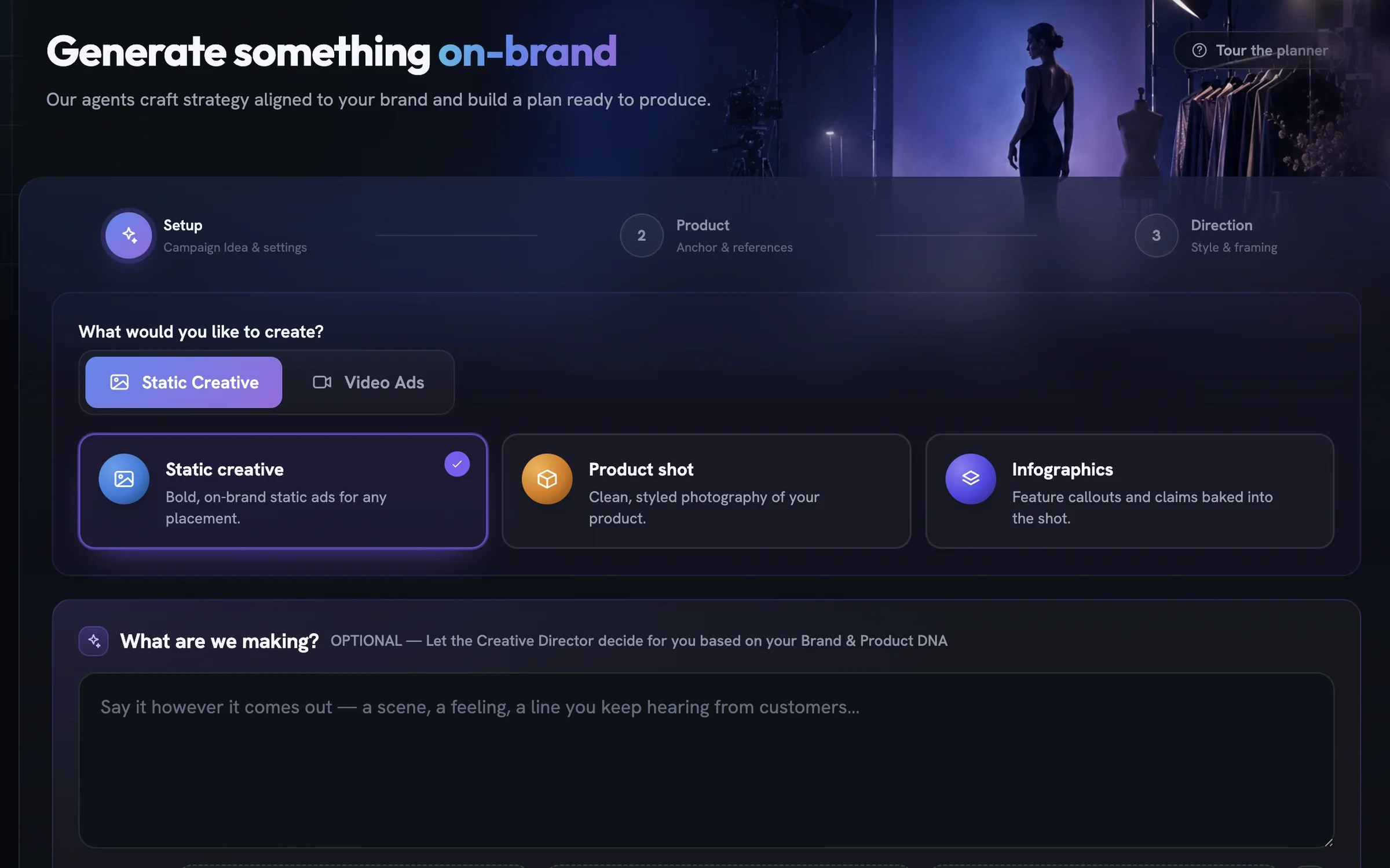
Say what you're making, or say nothing
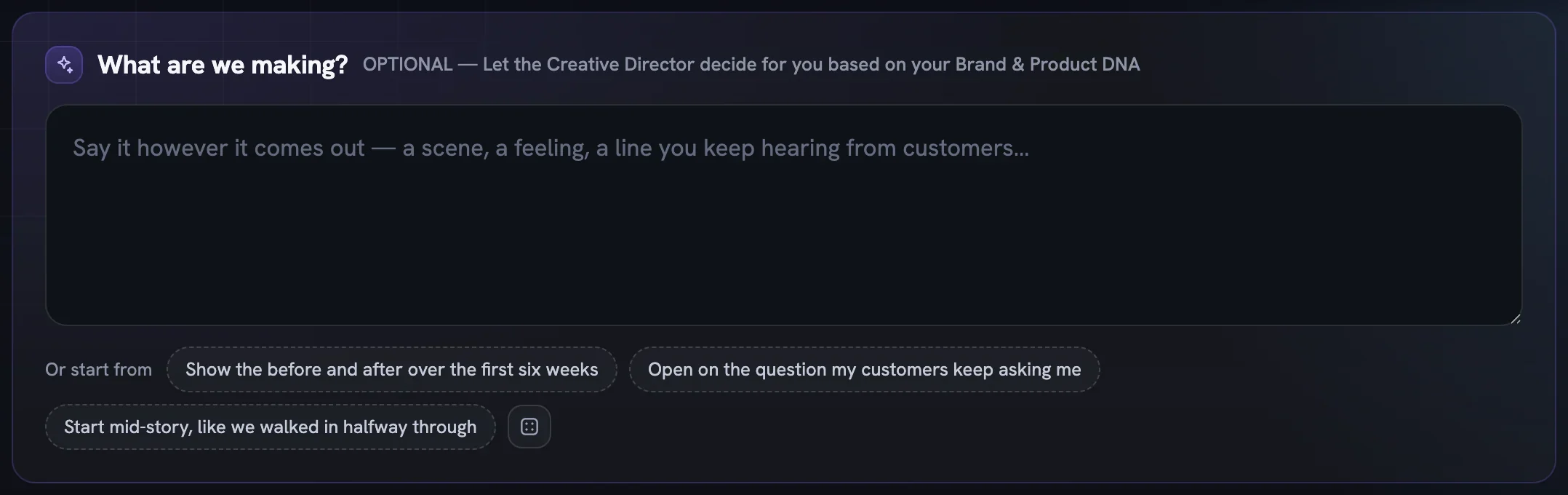
The What are we making? box is optional. Type a scene, a feeling or a line customers keep saying, up to 1,800 characters, or leave it empty and the Director builds the angle from your brand and product alone.
Three starter lines sit beside Or start from; click one to drop it in, or press the dice for other angles. Recent briefs lists briefs from earlier runs, each tagged with its type. Picking one replaces what is in the box and switches the page to that brief's type. The button appears once you have a past brief.
Canvas, count, logo and cast
Output Settings is a row of pills, one open at a time. Canvas Size unfolds seven ratios, each labelled with the placements it suits. Vertical is the default; Cinematic Ad starts widescreen.
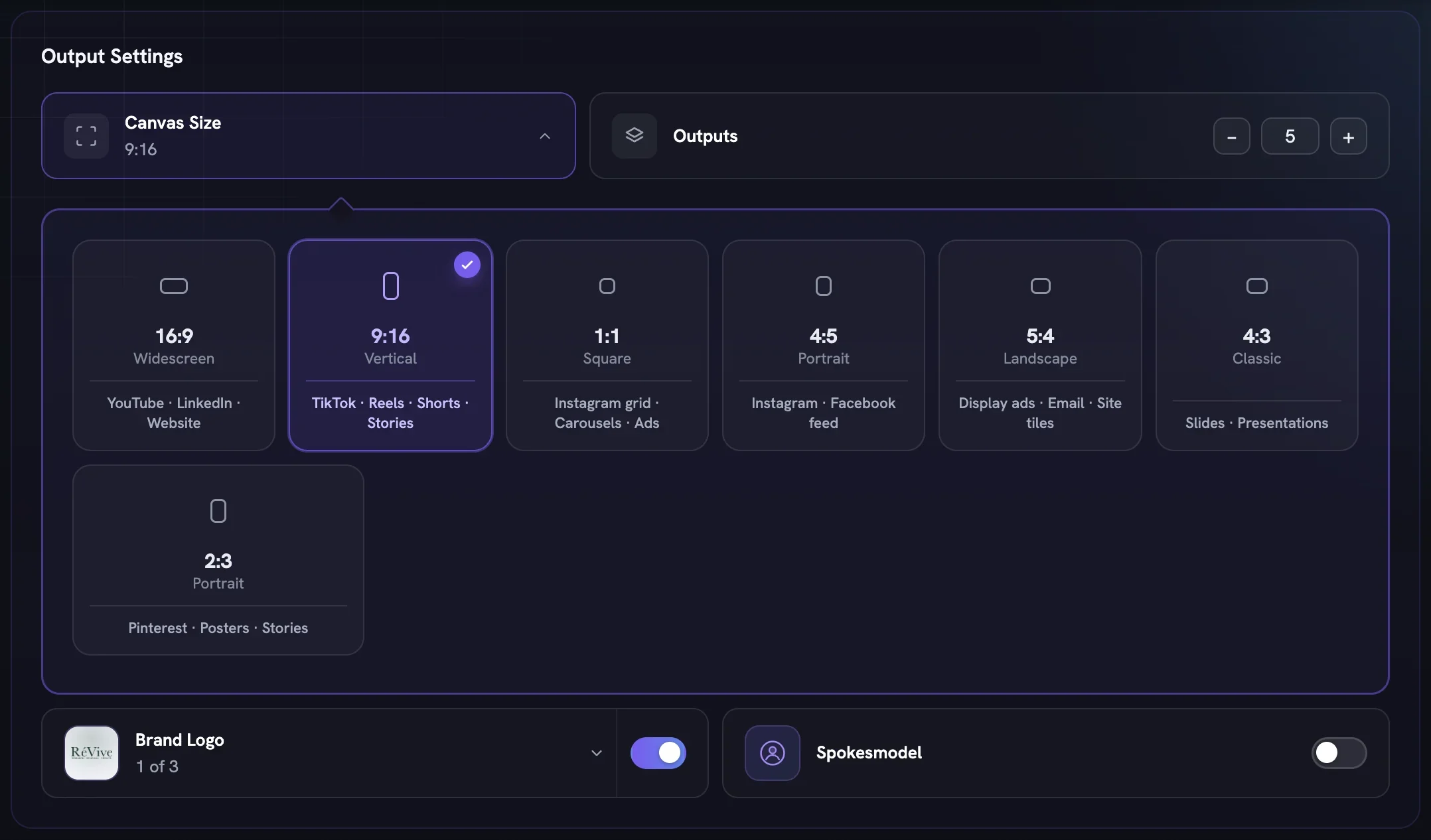
Statics show Outputs, a counter for how many images the batch produces. Video types swap it for Duration and Quality, plus Model when there is an engine to choose and, for Cinematic Ad, Soundtrack. Every option carries its price, and Next → shows the cost per asset.
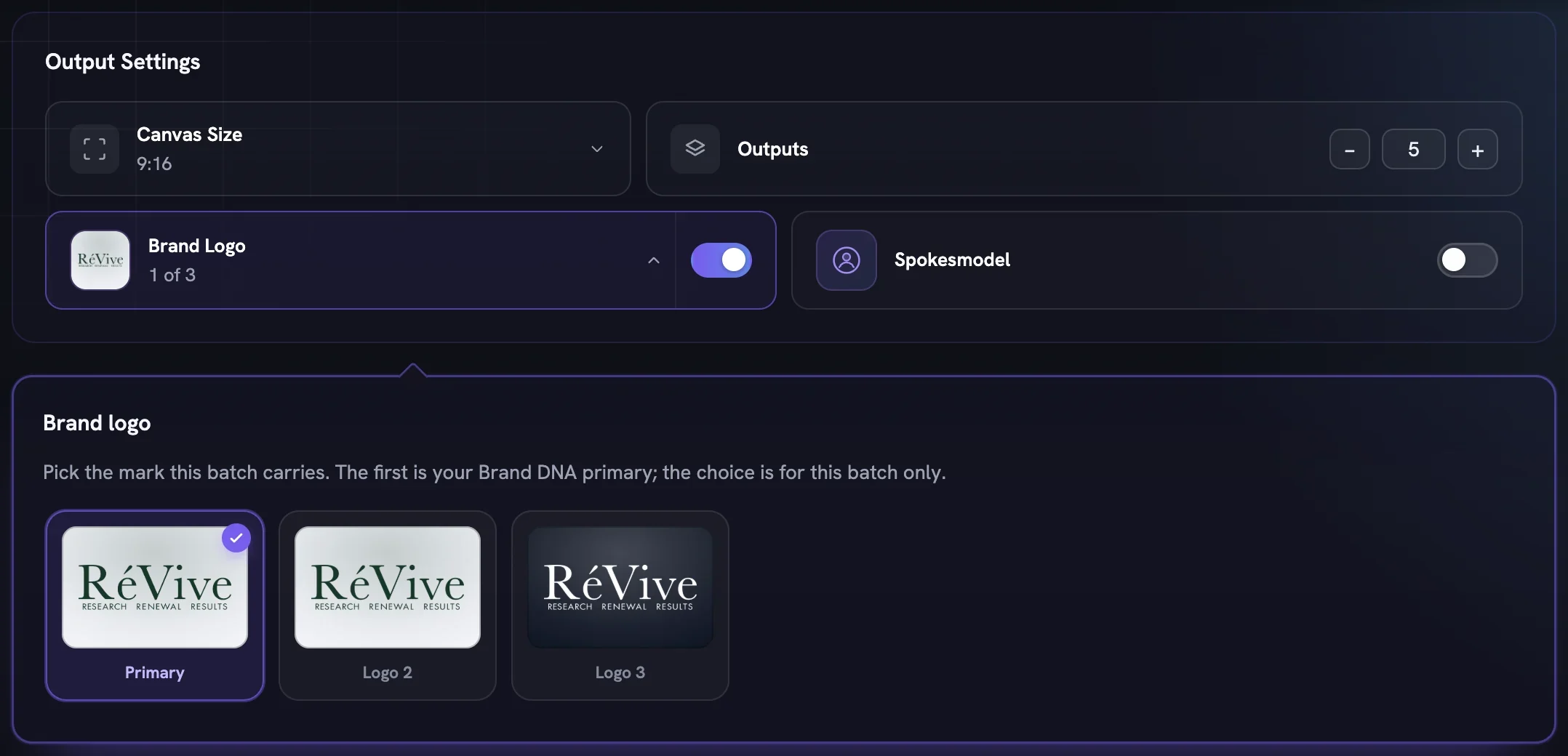
Brand Logois on by default and uses your Brand DNA primary. With more than one logo the pill opens a rail to pick another mark for this batch only; Brand DNA is never changed. Films carry the mark too.Spokesmodelis off by default and hidden for Infographics and Product B-Roll. Switch it on to choose fromMy SpokesmodelsorFotyra Spokesmodels. Statics take one or more; a film can be offered up to five, and the Director casts one per concept.- Video also shows a Concepts pill reading 5 to review · free: reading film concepts costs nothing.
Anchor it to one product
Every run anchors to exactly one product, and its reference sheet keeps the rendered item true to the thing you sell. Click a card to select it; a product whose sheet is still building cannot be picked yet, and Next → stays disabled until you choose one.
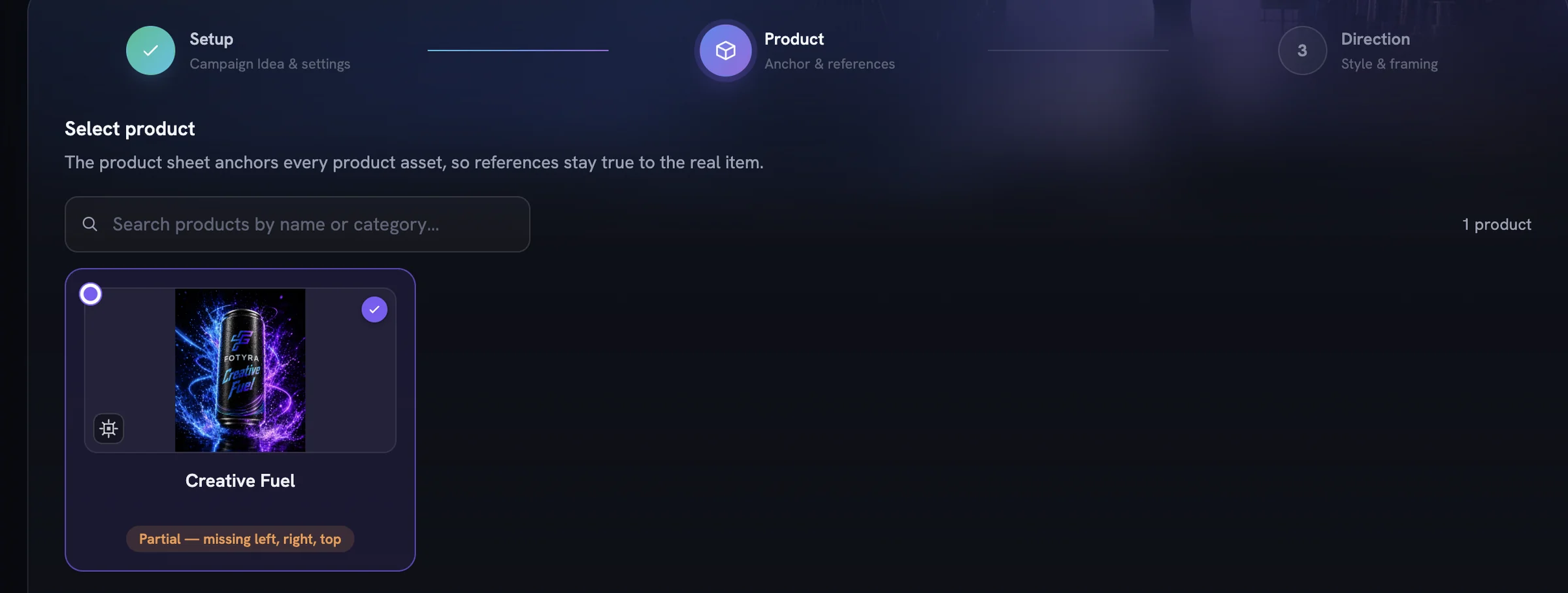
Below the grid, Add Reference Images lets you choose which real photos travel with the run, up to six. Clean catalogue angles are not listed because the sheet already carries them; this is for in-context, interior and texture photos. Some products also ask May this ad open and use the product on camera?, a switch for this generation only.
Review first, or generate straight away
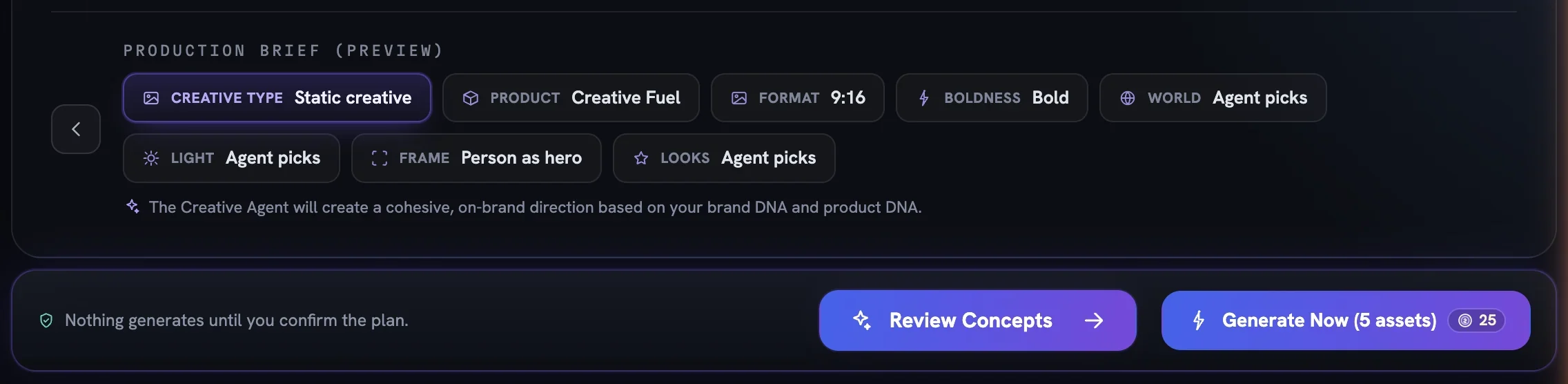
The Direction step holds Boldness and Mood & Energy in the controls panel, with twelve more director controls waiting under + Add Director Controls — all covered in Creative Direction, as a whole. At its foot, the Production Brief (Preview) chips summarise the plan, with Agent picks wherever you left a dial alone.
The run bar says it plainly: Nothing generates until you confirm the plan. Review Concepts (or Review Film Concepts for video) plans for free and opens a concept board you can read and shape before any credits move. For statics, Generate Now (N assets) skips that review and produces every concept at once.
Either way the work runs in the background, so you can leave the page; finished pieces land in your Creative Library.
More in Create
Next in create.
Create03
World, light and look
How real the scene is, which colour temperature it is lit in, and which of eight named looks (plus a studio backdrop paper) the agent leans toward or rules out.
4 min readRead
Create04
Framing and the body
Who fills the frame, which part of the body owns it, how the person poses and how the product appears — four rows that unlock each other in order.
4 min readRead
Create05
Expressions and body postures
Twenty-one expression registers and forty-four postures the Creative Director can play within — how to pick a feeling, when a row locks, and why Boldness decides what is on the table.
3 min readRead
Read enough. Make one.
Point Fotyra at your store and do exactly what this guide describes, on your own brand.