
A UGC video in minutes
Pick UGC, choose a product, leave direction on Auto, direct the top concept and generate — the fastest path from brief to a creator-style film.
A UGC film is the phone-shot, creator-style video that reads as a real person talking about your product, with natural product cutaways. The fastest way to get one is to give the Creative Director a product and let it decide everything else — five ideas come back for free, and you only pay for the film you choose to render.
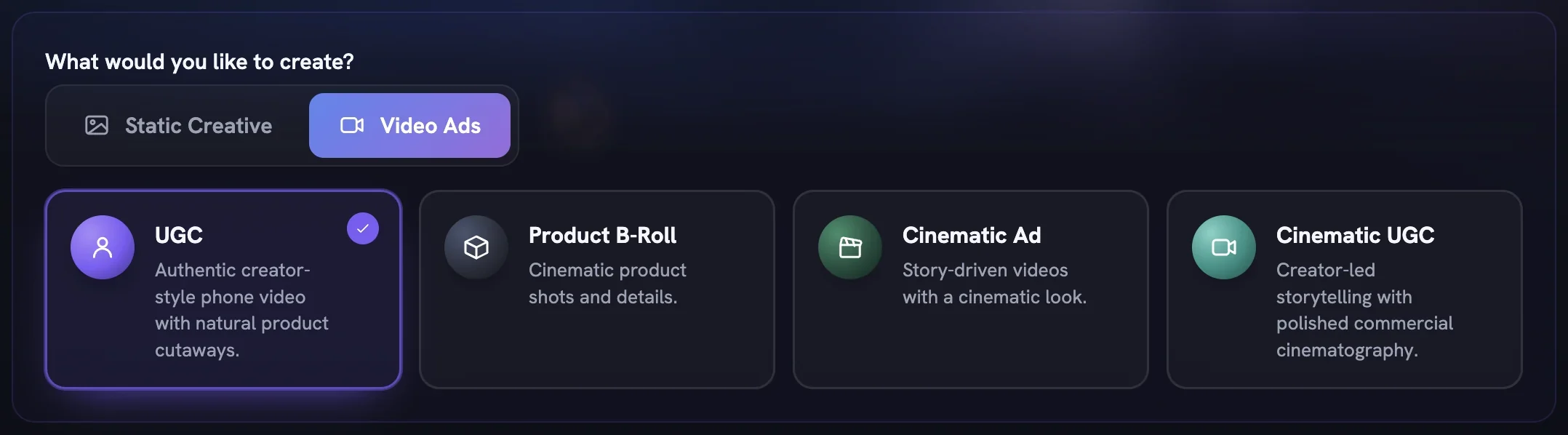
Pick UGC on the Setup step
Open
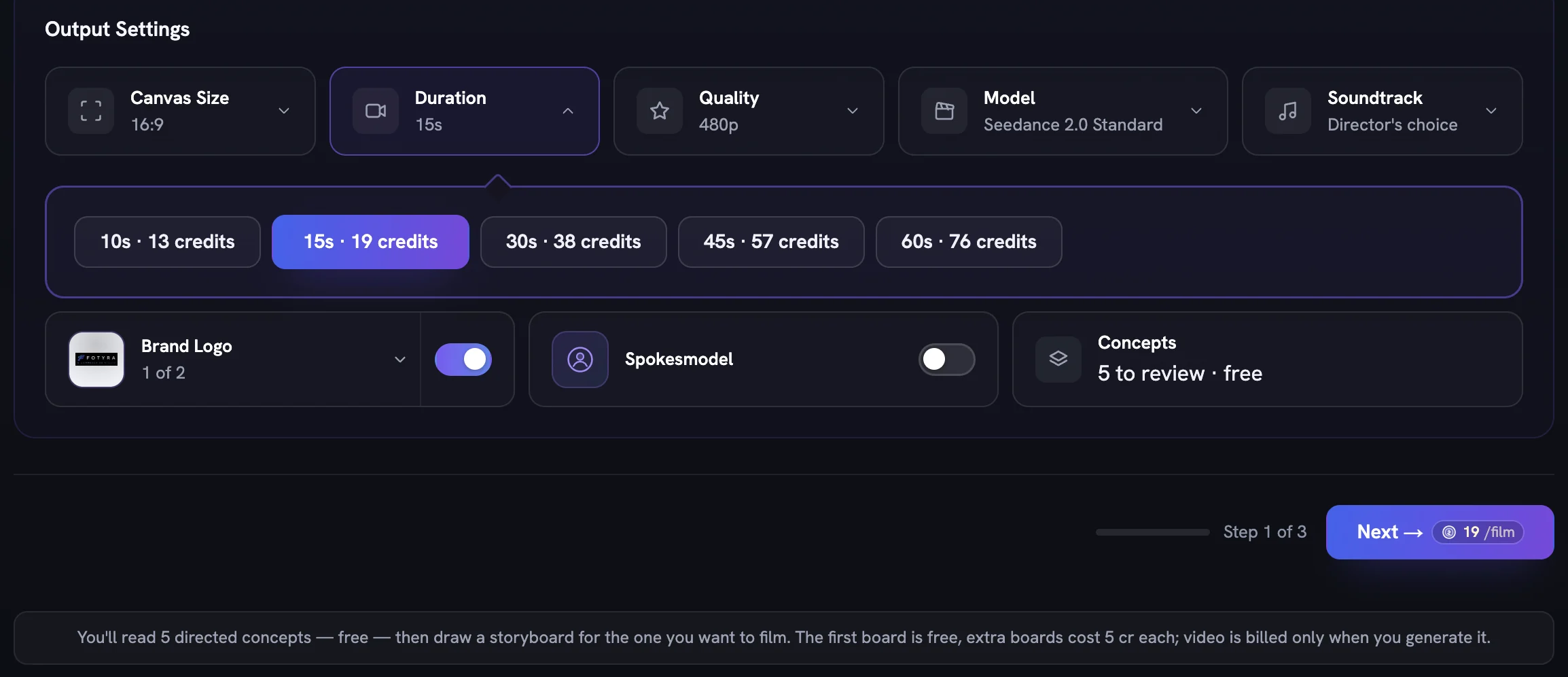
Generatein the sidebar, switch to theVideo Adstab under What would you like to create? and choose theUGCcard. The brief box is optional — leave it empty and the Director works from your Brand DNA and Product DNA.Check Output Settings
Canvas Sizeis already 9:16, the right shape for Reels, TikTok and Shorts, andDurationandQualityshow the price of every option live. LeaveBrand Logoon andSpokesmodeloff, then pressNext →.Select the product
On the Product step click the one product this film anchors to. Adding reference images is optional. Press
Next →.Leave Direction on Auto
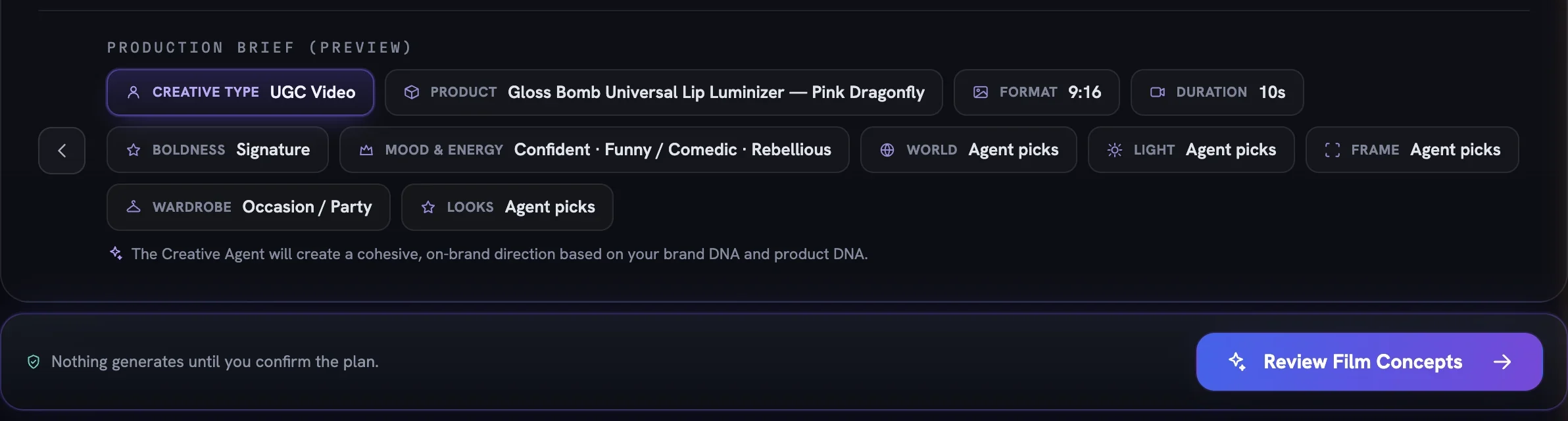
Keep Boldness on
Signature, leave the Mood & Energy grid empty and don't add any director controls — every control reads Agent picks, which means the Director chooses. The Production Brief preview should show only Creative Type, Product, Format, Duration and Boldness filled in.Press
Review Film ConceptsNothing generates yet and nothing is charged. The Director writes five concept cards in the background; you can leave the page and come back through the Generations panel.
Direct the top concept
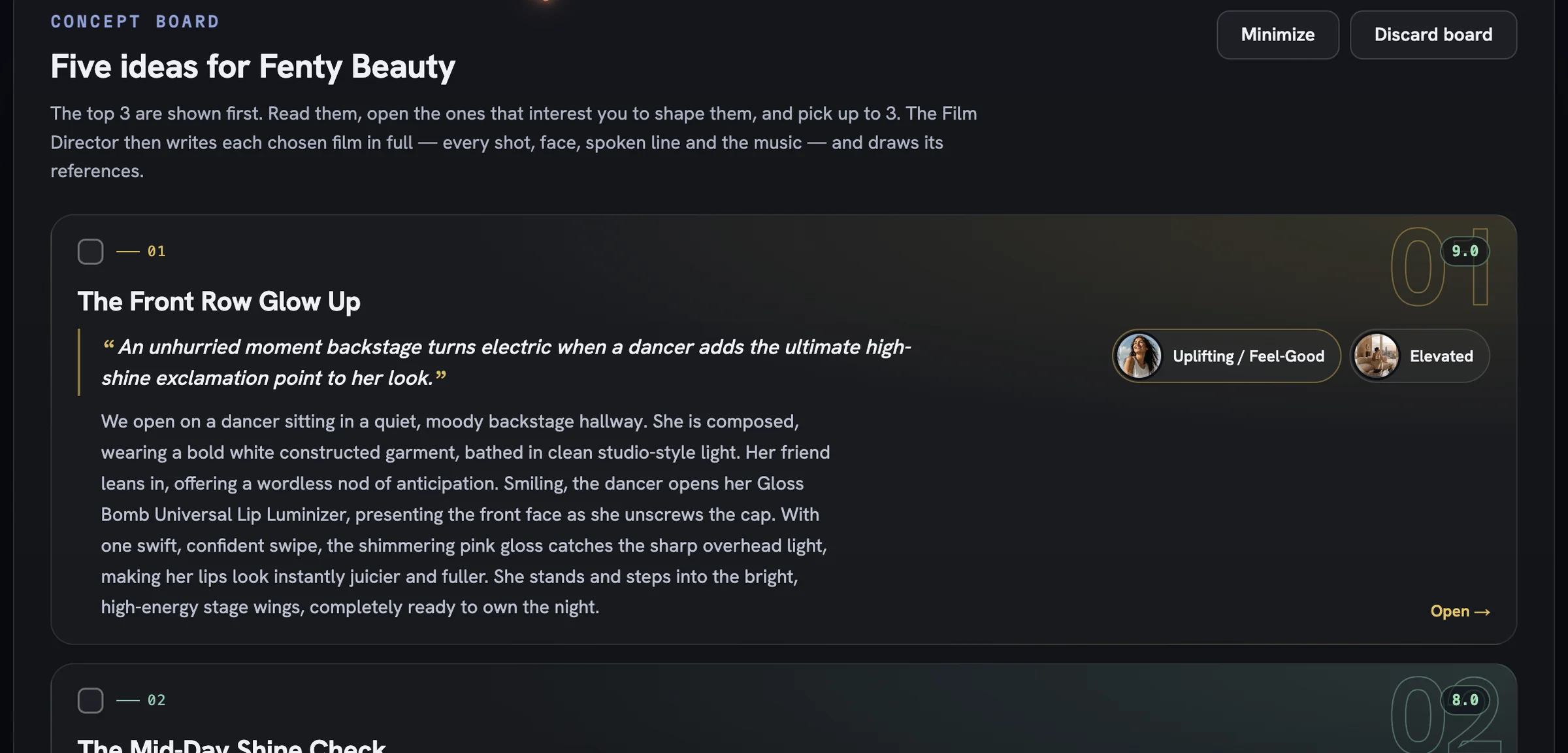
On the Concept board the top three ideas are shown first, ranked by score. Tick the checkbox on the first card and press
Direct 1 concept. The first film's reference set is free.Generate, then approve
The film review opens with every scene as text while the cast, location and product references draw in. Once they have drawn, read the beats and press
Generate video— the price is on the button. The finished film lands in the Creative Library with aFidelity reportchip; open it, then approve the film with the ✓ on its card.
More in Quick starts
Next in quick starts.
Quick starts02
Bulk static ad variations
Raise Outputs, pick several moods so each ad gets its own, and press Generate Now to land a whole batch of on-brand statics in the library at once.
3 min readRead
Quick starts03
Bulk product shot variations
Lean on Soft Studio with a chosen backdrop paper, pin framing to Product only, and generate a set of clean catalogue-ready shots in one run.
2 min readRead
Quick starts04
Your first cinematic film
Choose Cinematic Ad, set duration and soundtrack, read the five concepts, approve the Cast and Location sheets and generate a story-driven brand film.
2 min readRead
Read enough. Make one.
Point Fotyra at your store and do exactly what this guide describes, on your own brand.