
Add your brand from your website
Create a project with your website address and Fotyra crawls the site to write your Brand DNA in a few minutes, then researches the deeper sections in the background.
On this page5
Everything Fotyra makes starts from your Brand DNA, and the Brand DNA starts from your website. Give it a project name and your storefront address, and a few minutes later it has read your site, pulled your logo, palette and fonts, and drafted how your brand looks and sounds.
Why the crawl matters
Every ad, film and product shot is directed against this profile, so the build goes deep now rather than guessing later. The more sources you hand it — your site, plus brand guidelines, decks or past ads — the more on-brand the work that comes out.
The first build is free. Later rebuilds from Regenerate DNA are different: a set number are free, after that each costs the credits shown on the badge. To change a line rather than rebuild, see editing your Brand DNA.
Create the project
Open New project from the Projects list. The form is short: a Project name and a Website URL. Paste your own storefront, not a product page or a marketplace listing — the crawl reads a site from its home page.
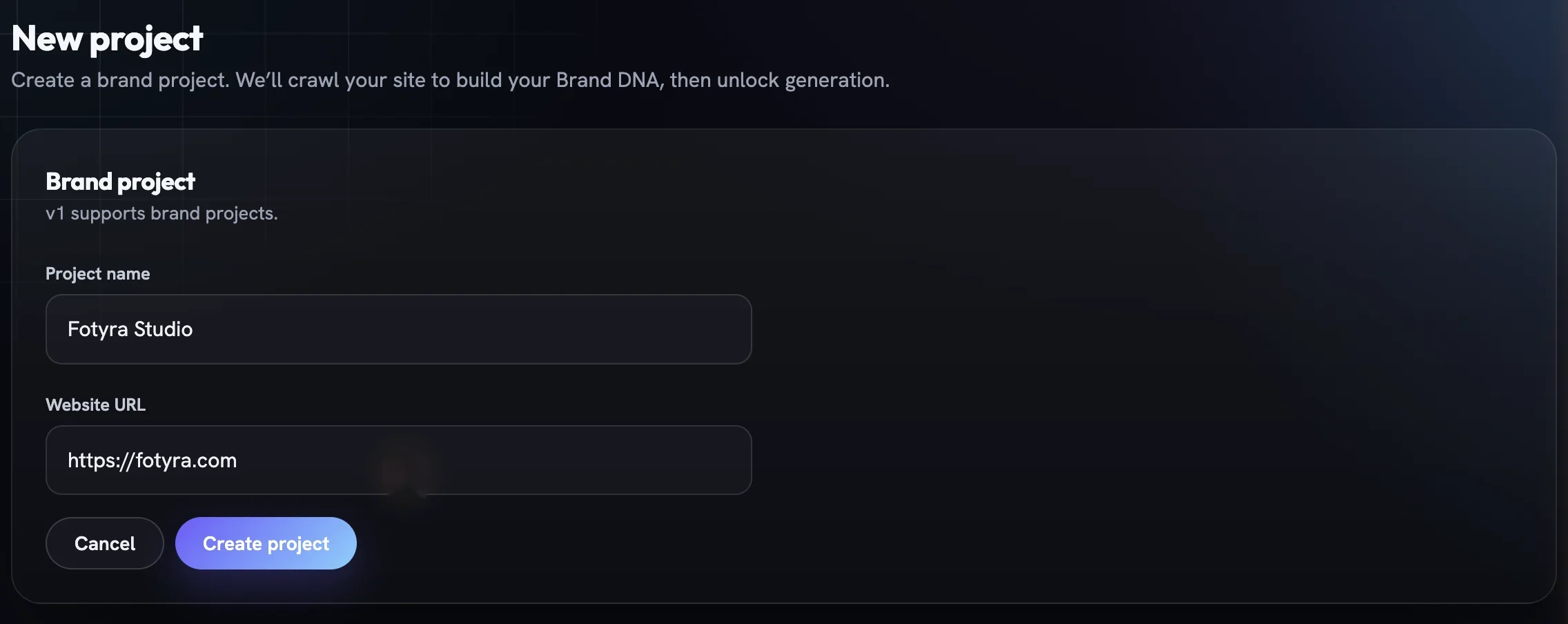
Owning a project needs an active paid plan; without one the studio sends you to choose one first. Collaborating on someone else’s project never does. Press Create project and the project opens on its onboarding step.
Give it more to read
The onboarding step is titled Let’s build your Brand DNA. Under 1. Add your website URL you can Add more addresses. Expand Add supporting documents (optional but recommended) to drag and drop PDF, DOCX, PPTX, TXT, ZIP or image files, up to 20 MB each.
The build usually starts on its own once the project exists. If it has not, press Generate DNA.
Watch the build land
A progress window called Going deep into your brand takes over; it usually takes two to five minutes depending on your site. It works through five steps — Company Research, Resource Loading, Brand Analysis, Logo Discovery and Typography Preview — each with a status pill and a live line saying what it is doing, from reading your site and the open web to isolating the logo.
Each step saves the moment it finishes, so nothing is lost if you walk away. Minimize closes the window and the build keeps running; View generation progress in the corner brings it back.
- A step that fails shows a plain-English reason and a
Retrylink on its row. - If Logo Discovery fails or is skipped, the row also offers
Upload Logo— a PNG, JPG, WEBP or SVG up to 10 MB re-runs that step with your file, free. - A build that fails entirely names the step that broke and ends with the line that you have not been charged.
Only one background job runs per project at a time; try to start another during the build and the studio tells you one is already running.
What arrives, and what comes later
When the five steps are done the studio takes you to the Brand DNA page with a Brand DNA ready notice and one ask: Add your product. Fotyra never guesses your catalogue, so add your first product is the natural next step.
The page is already usable, but a slower Deep research pass is still working. A status card under the header reads Writing Positioning, Messaging… while it fills in Positioning, Messaging, Creative Direction and Competitors, then switches to Complete — every section is in.
If that pass drops a section, the card names it and offers Retry these sections · free, which re-runs only what is missing. Back on Project Overview, the Status Checklist shows where you stand.
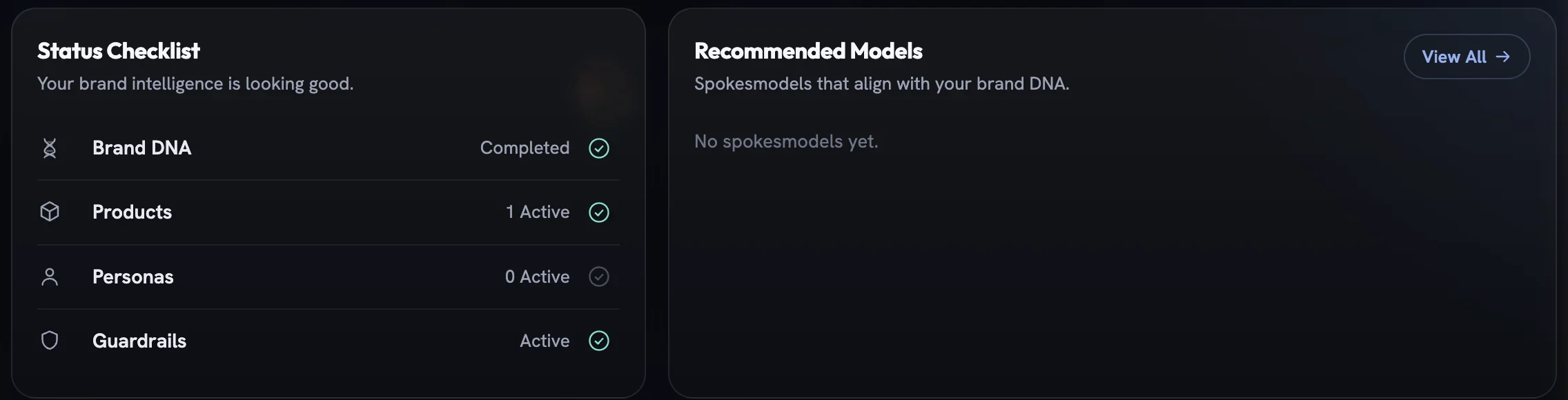
Then read what a Brand DNA contains to see what the crawl found and where to correct it.
More in Your brand
Read enough. Make one.
Point Fotyra at your store and do exactly what this guide describes, on your own brand.