
A cinematic UGC film
Creator-led storytelling with commercial camera work: cast a spokesmodel, add a Camera Language palette, and tune any spoken line before you render.
A Cinematic UGC film keeps the creator at the centre of the story but shoots it like a commercial — real camera moves, designed light, a considered look. You cast the person, nudge the camera, and the Film Director writes the rest. Nothing is charged until you press `Generate video`, so read as much as you like on the way.
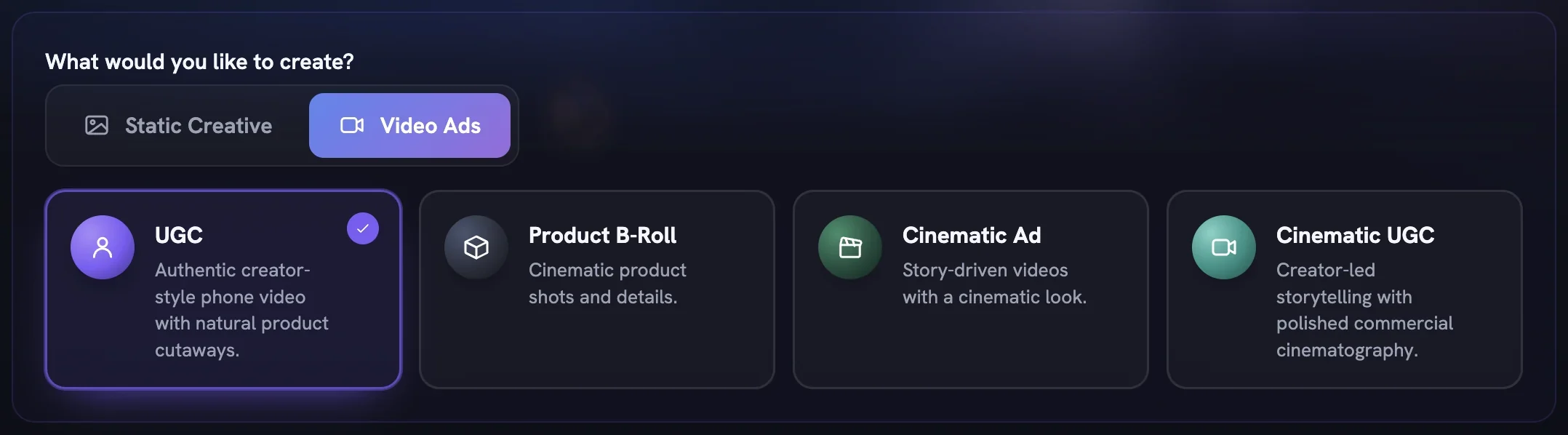
Choose Cinematic UGC
Open
Generatein the sidebar. On the Setup step, switch to theVideo Adstab and pick theCinematic UGCcard. A line inWhat are we making?is optional — leave it blank and the Director works from your Brand DNA and product.Set the film's shape
In Output Settings,
Canvas Sizedefaults to 9:16 for vertical feeds. OpenDurationandQualityto choose a length and tier; every option shows its credit cost live, so pick with your eyes open.Cast your spokesmodel
Switch
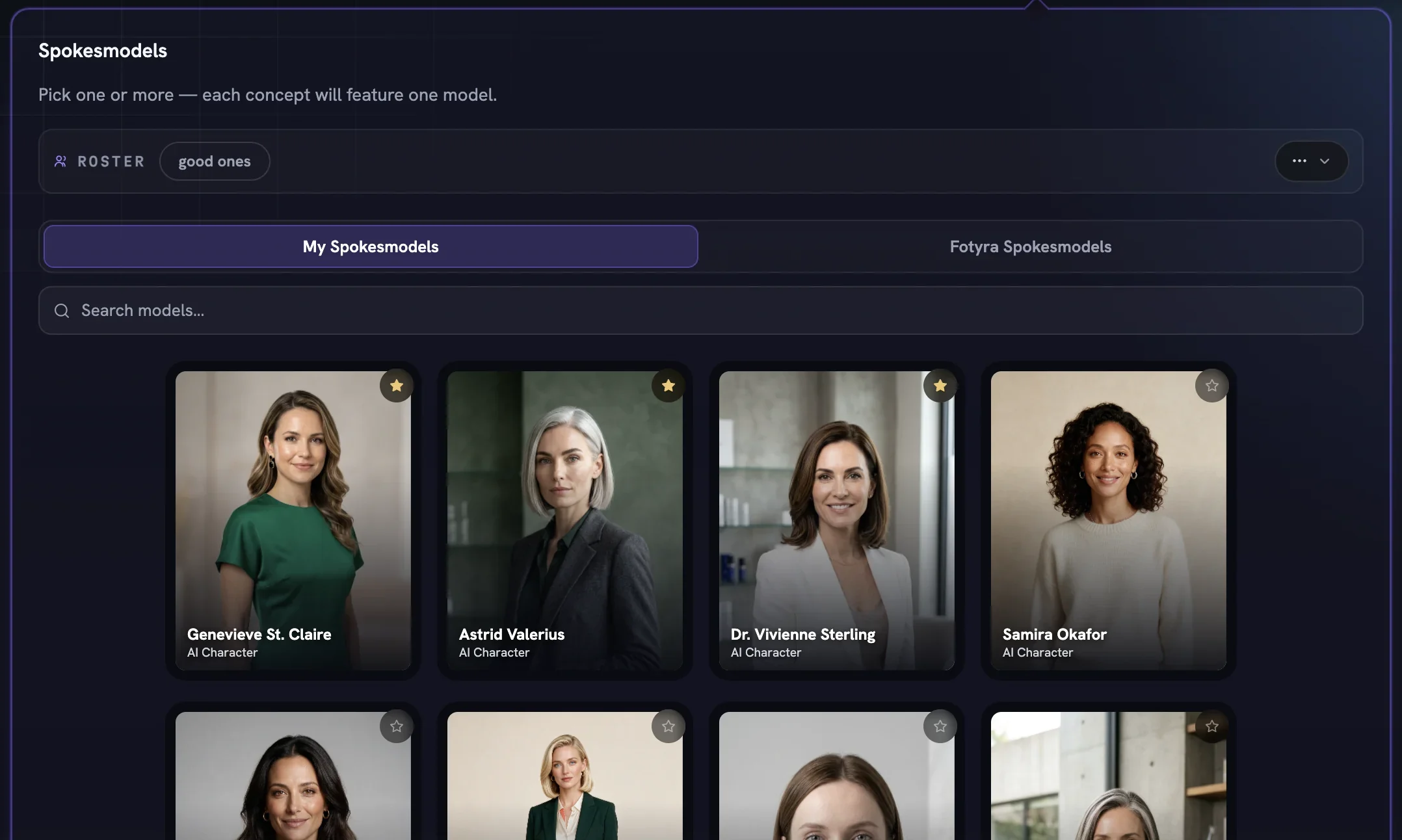
Spokesmodelon and choose fromMy SpokesmodelsorFotyra Spokesmodels. You can pick up to five; the Director casts one suitable person per concept, and each film still has one on-camera person. Leave the toggle off and the Director casts for you.Anchor it to a product
On the Product step, select the one product this film is about — every asset needs one. Add reference images if you want a specific photo to guide the look, then press
Next →.Shape the camera, leave the rest
On Direction, keep Boldness on
Signatureunless you want it calmer or braver, and pick a Mood & Energy or let the Director choose. Under+ Add Director Controls, addCamera Languageand choose the moves you want the film built around. Any row you don't touch readsAgent picks, which is the right call for a first film.Read five ideas, direct one
Press
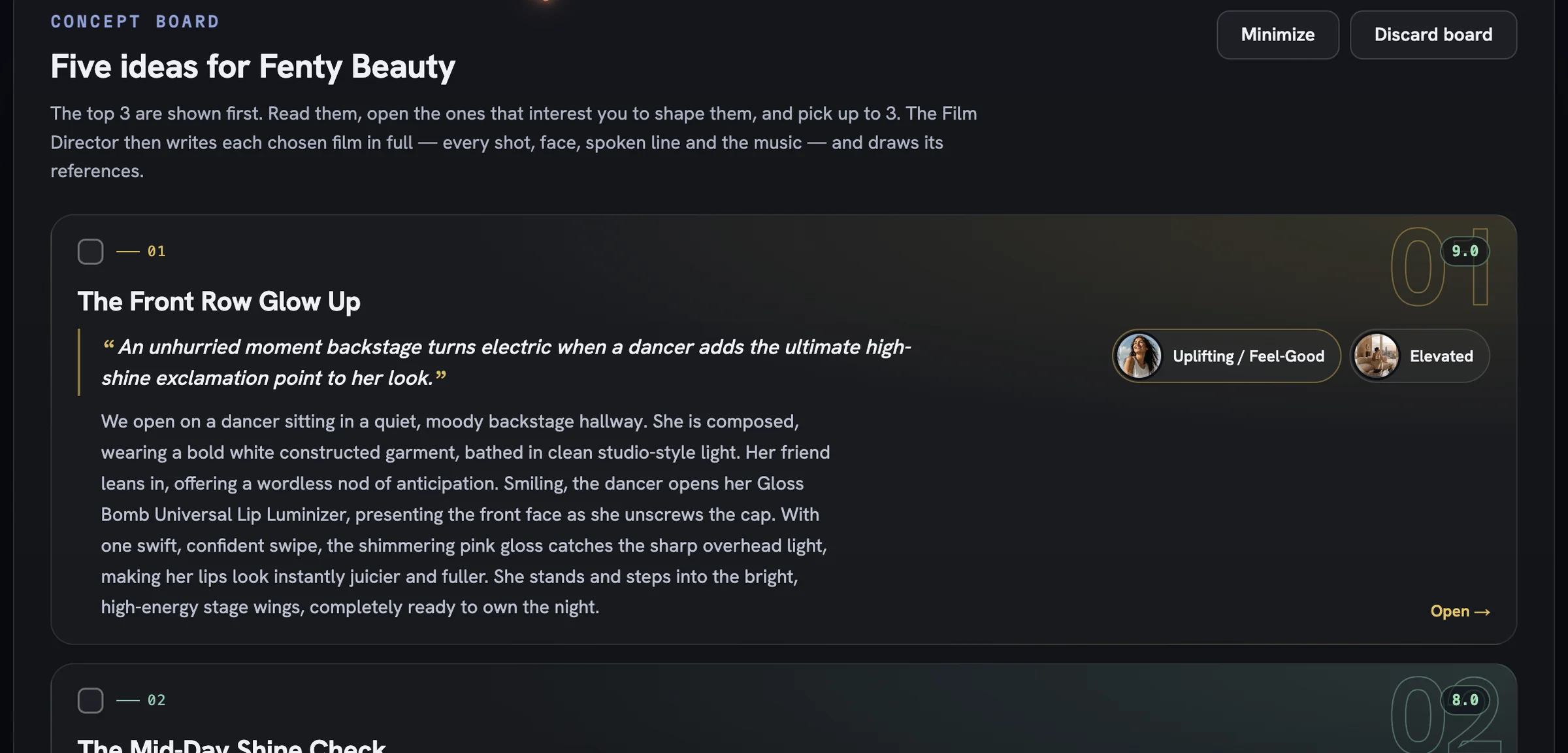
Review Film Concepts. Reading the concept board is free: open a card to reshape its story or cast, tick the one you want, and pressDirect 1 concept. References for the first film are free.Tune a line, then generate
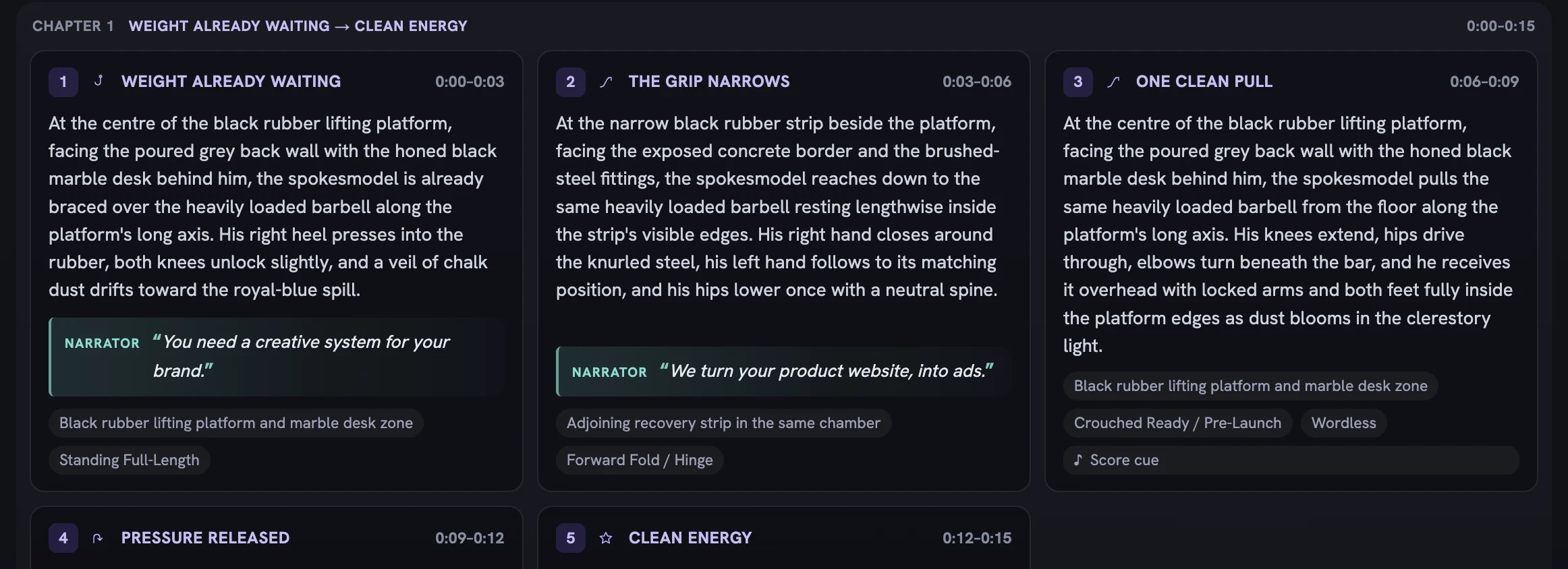
The film review lays out every beat with its action and quoted spoken line. Open any beat that reads wrong and adjust its direction, or use
Request a changefor bigger shifts, then pressGenerate video. The finished film lands in your Creative Library, where you approve or reject it.
More in Quick starts
Next in quick starts.
Quick starts02
Bulk static ad variations
Raise Outputs, pick several moods so each ad gets its own, and press Generate Now to land a whole batch of on-brand statics in the library at once.
3 min readRead
Quick starts03
Bulk product shot variations
Lean on Soft Studio with a chosen backdrop paper, pin framing to Product only, and generate a set of clean catalogue-ready shots in one run.
2 min readRead
Quick starts04
Your first cinematic film
Choose Cinematic Ad, set duration and soundtrack, read the five concepts, approve the Cast and Location sheets and generate a story-driven brand film.
2 min readRead
Read enough. Make one.
Point Fotyra at your store and do exactly what this guide describes, on your own brand.