
World, light and look
How real the scene is, which colour temperature it is lit in, and which of eight named looks (plus a studio backdrop paper) the agent leans toward or rules out.
On this page4
Three director controls in the Scene & Style group decide what kind of picture you are making before anyone thinks about poses or copy: how real the scene is, what colour the light is, and which art-direction recipe the batch follows. Leave them empty and the agent chooses from your Brand DNA and Boldness. Touch one and it becomes a preference the agent must honour.
Where the three controls live
On the Direction step of the Create flow, pick a Boldness card and scroll to + Add Director Controls. The first group, Scene & Style, holds World, Lighting Mood and Visual Look & Feel beside the two dress controls. Press + on a tile and its row opens in the controls panel above; a row you leave alone, or never add, reads Agent picks.
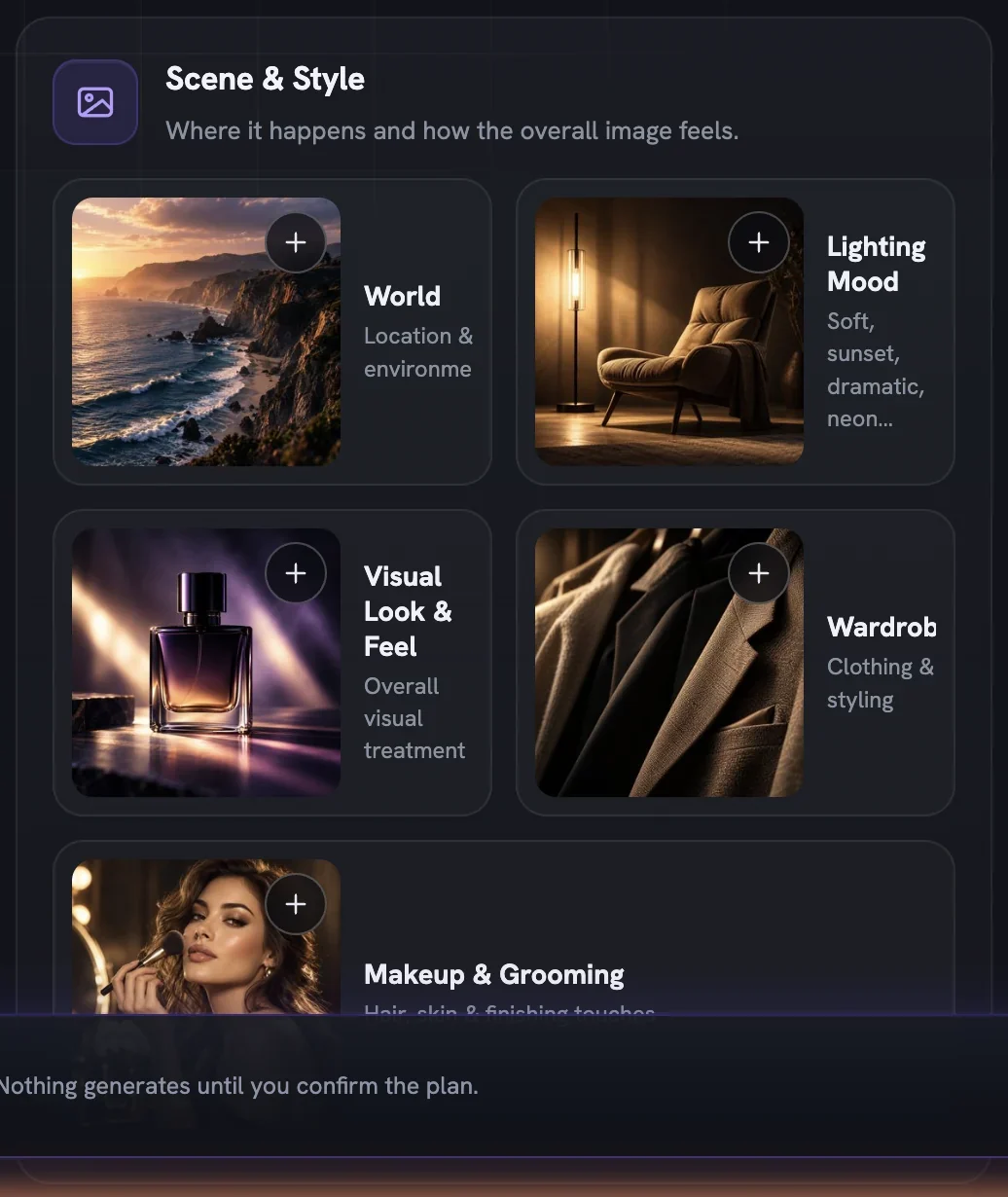
World leads the deck. Look, emotion, posture and copy all cohere with it, so choose it first when you choose at all. All three rows appear on statics and Cinematic film types; none are offered on UGC, which is locked to real, phone-shot footage.
World sets how real the scene is
World is a ladder of five tiles, from a scene you could photograph to a piece of art with your real product inside it. A clinic wants Real; a candy brand can sell in a 3D-animated town; a coffee brand may want a painterly illustration.
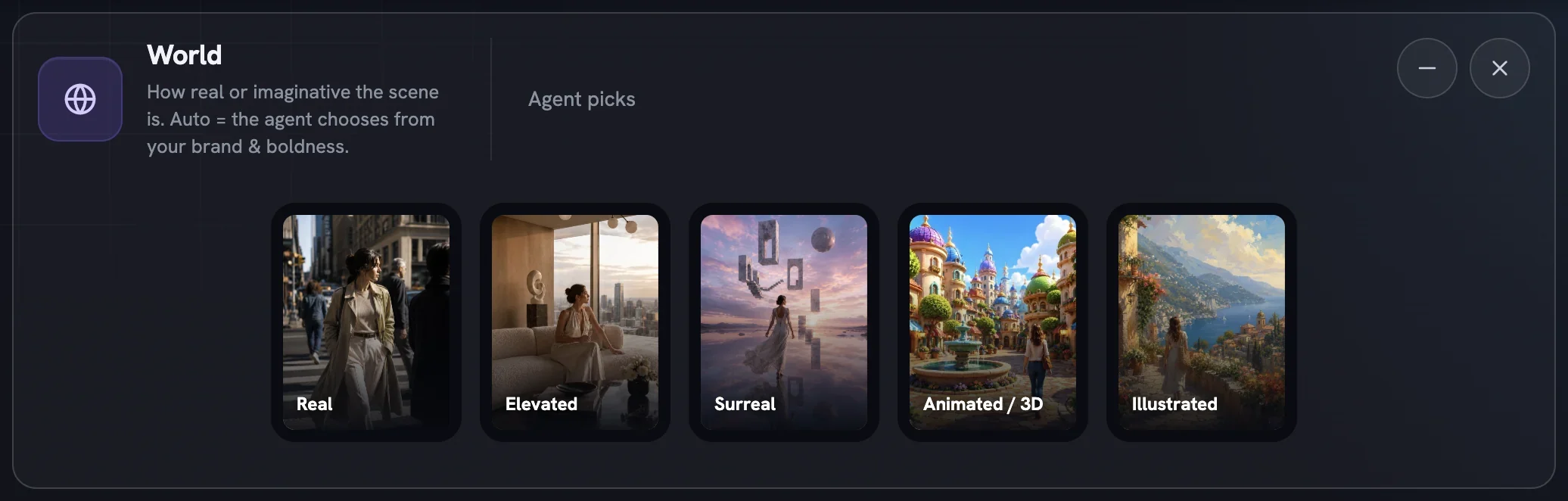
Real— a scene you could photographElevated— heightened real: bold sets, real splashes and steamSurreal— photoreal but impossible, dreamlike scaleAnimated / 3D— a 3D-animated film world, real product heroIllustrated— hand-drawn and painterly, real product in the artwork
Click tiles to add or remove them; each pick is dealt to one concept in turn, and on video the pool is capped at five. On Auto the agent spreads the ladder from Real up to a ceiling set by your Boldness and your brand: claim-sensitive categories such as medical, supplement, baby or finance stay Real, while playful brands may reach the animated and illustrated worlds. An explicit pick is always honoured, whatever the ceiling — which is how a conservative brand deliberately goes surreal for one campaign.
Lighting Mood picks the colour of the light
Colour temperature is one of the fastest ways an ad reads on- or off-brand: golden-hour warmth for food, crisp cool daylight for tech, neutral studio light for catalogue work. This row works the other way round from the rest: all three tiles start on, and that is Auto.
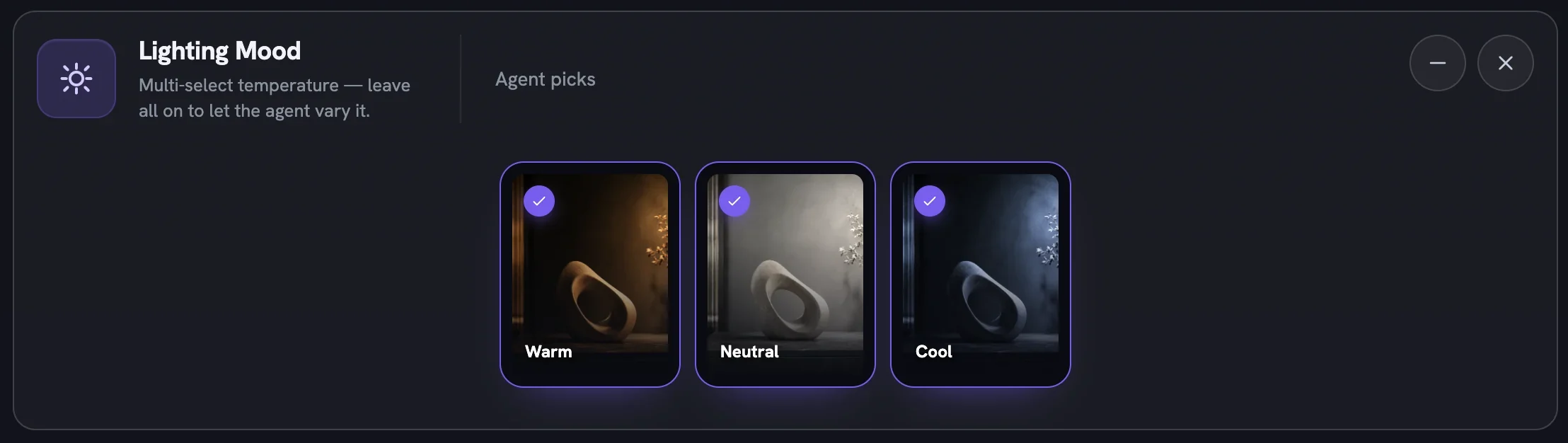
Click a tile to remove it and the row narrows to whatever is left, which the collapsed summary lists. You cannot turn all three off — removing the last one re-selects the set, because empty means any. A film holds one temperature across every scene; statics vary it per concept.
Visual Look & Feel gives the batch a house style
A look is a complete art-direction recipe — light, colour, texture and mood in one tile — so leaning toward one gives a batch a recognisable signature, and ruling one out stops the agent reaching for a style your brand never uses. The rail holds eight: Sunlit, Quiet Luxury, Soft Studio, Documentary, Sculptural, Saturated Pop, Flash-Lit and Cinematic Noir.
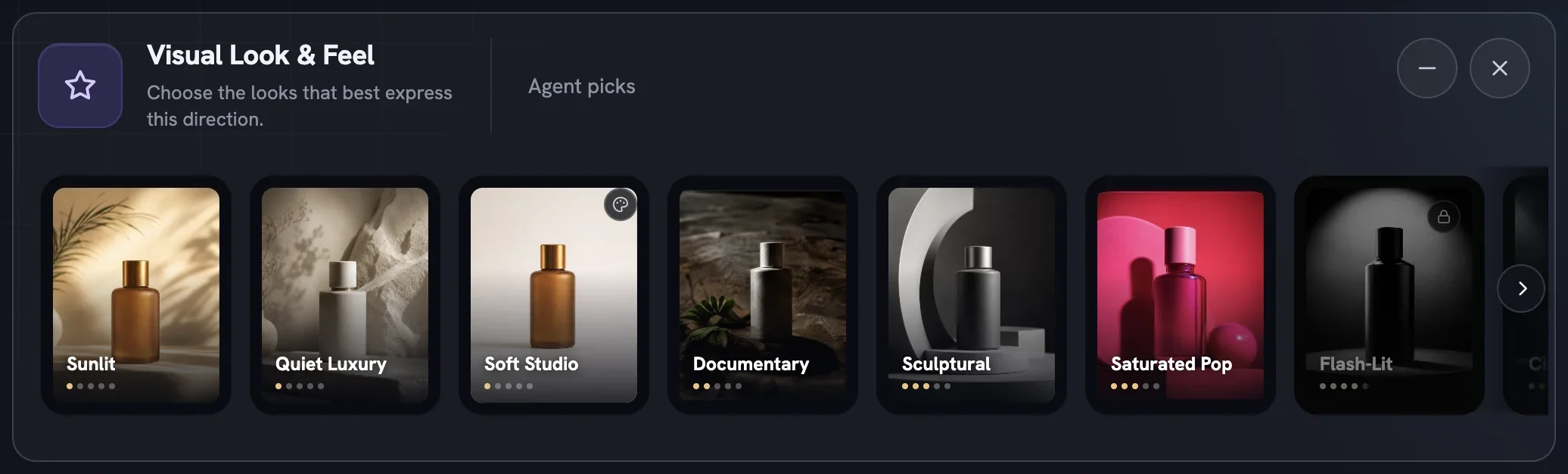
The pips under each name show how bold a look is, and Boldness decides how far along the rail you may go — a padlocked tile names the level that opens it. Click a tile to lean toward it, or its ⊘ button to rule it out; ruled-out looks are never used, even on Auto. Leaned looks are dealt one per concept on statics and held for a film. Removing the pill clears everything in the row.
Backdrop Shade
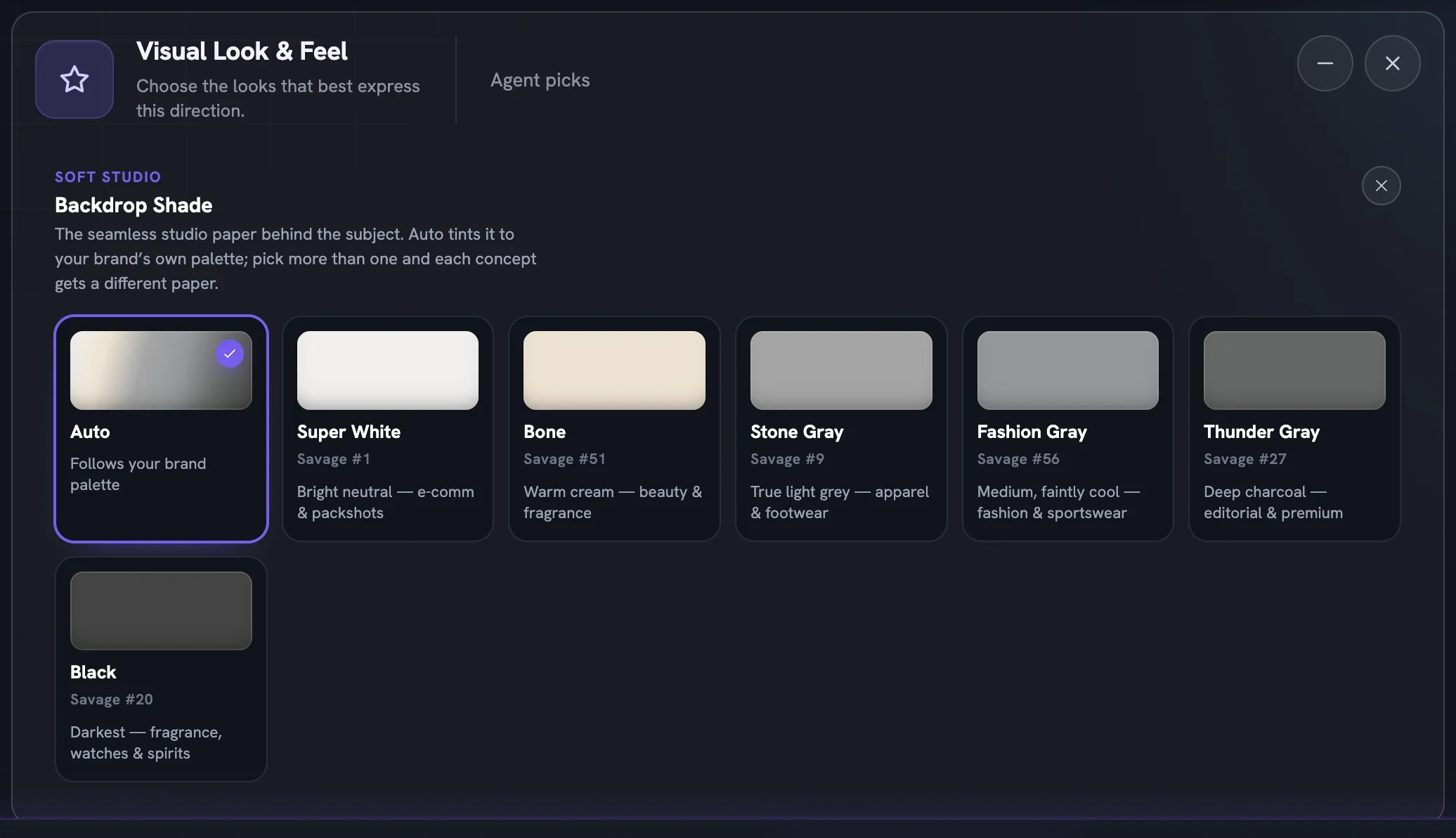
Soft Studio and Flash-Lit carry a small palette icon. Click it and the rail gives way to Backdrop Shade — the seamless studio paper behind the subject. Auto tints the paper to your brand palette; the other six are named after real studio stock, so the swatch you pick is the paper that renders. Pick more than one and each concept gets a different paper. Back to Visual Look & Feel returns you to the rail.
More in Create
Next in create.
Create05
Expressions and body postures
Twenty-one expression registers and forty-four postures the Creative Director can play within — how to pick a feeling, when a row locks, and why Boldness decides what is on the table.
3 min readRead
Create06
Action sports and machines
Build a scene around a bike, a board, a barbell or a horse — twenty-five machines and rigs, what unlocks them, and a recipe for fast, high-energy action ads.
4 min readRead
Create07
Wardrobe and makeup
Eight style families for what people wear and four rungs for how finished the face is — the two dials that tell a viewer who the ad is for before a word is read.
2 min readRead
Read enough. Make one.
Point Fotyra at your store and do exactly what this guide describes, on your own brand.