
Brand Mood & Energy
One of fourteen moods is detected from your brand and steers story, camera, cutting and score in every film — confirm it, swap it, or clear it back to Auto.
On this page4
Every film Fotyra makes for your brand is built in one emotional direction. That direction is a mood, detected from your website during the Brand DNA build and shown on your Brand Snapshot, and it steers story, camera, cutting and score together. Get it right once and every film starts from the feeling you want your audience to have.
One feeling, every film
Mood & Energy holds a single choice from fourteen moods: Warm, Uplifting / Feel-Good, Playful / Charming, Funny / Comedic, Confident, Rebellious, Epic / Triumphant, Adventurous / Thrill, Serene, Intimate, Dreamy, Mysterious, Tense / Dramatic and Nostalgic. Each comes with a picture and a one-line definition of how it plays on screen — Confident is “assured power — certainty without hurry”, while Mysterious “knows something, and reveals it late”.
A mood is more than a colour grade. It shapes how the story is told, how the camera moves, how the edit is paced and what the score does, and when you leave the look on Auto it ranks which visual looks the concepts lean towards. With no mood set, the director infers the feeling each time from the tone in your voice section.
Where it shows up
On the Brand DNA page the mood lives in two places. The Brand Snapshot carries a round Mood & Energy chip beside your brand name, with the mood’s picture, its name and a Change it link — the whole chip is the link.
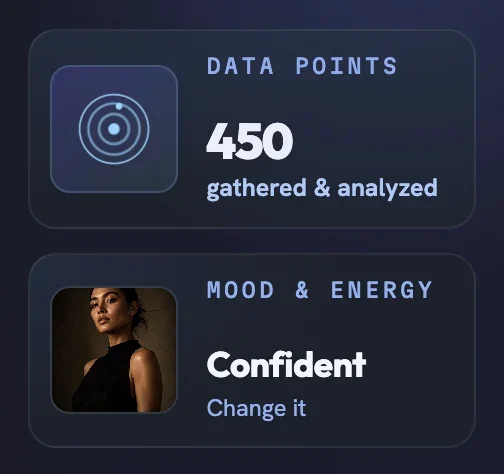
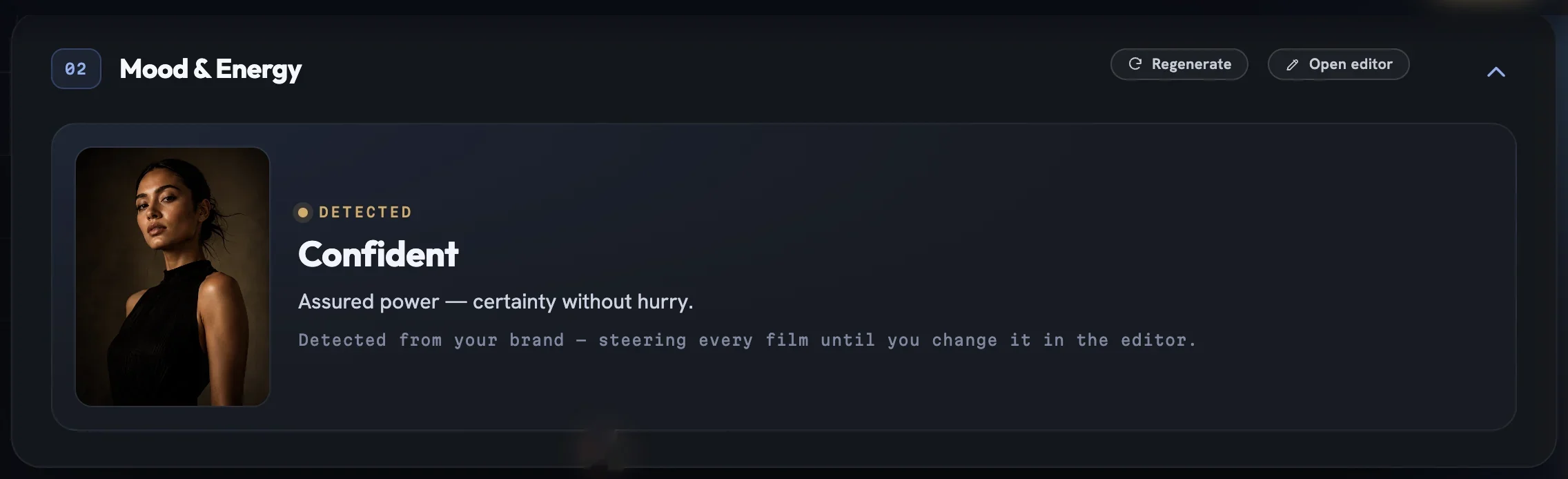
Further down, section 02 Mood & Energy shows the same mood with a kicker that reads Detected or Confirmed, its definition, and a hint line saying what is steering films right now. If nothing is set the card reads No mood set and films follow the brand’s tone as usual.
Confirm it, swap it, or clear it
Changing the mood is one pick in the Brand DNA editor, which opens with Mood & Energy already unlocked.
Open the editor
Click
Change iton the snapshot chip, orOpen editoron the Mood & Energy section header. The field is labelledMood & Energy — DETECTEDuntil you confirm it.Read the current pick
The picker is a wide button showing the current mood’s picture, name and definition, with a caret at the right-hand edge.
Open the gallery
Click the picker.
Auto — no mood setsits at the top, followed by the fourteen moods with their pictures and definitions; the active one carries a check mark. Escape or a click outside closes it.Pick or confirm
Choose a different mood, or, if the detection is already right, press
Confirm this moodbeneath the picker.Save
Click
Saveto keep the change orDiscardto drop it. Every save is a new version of your Brand DNA.
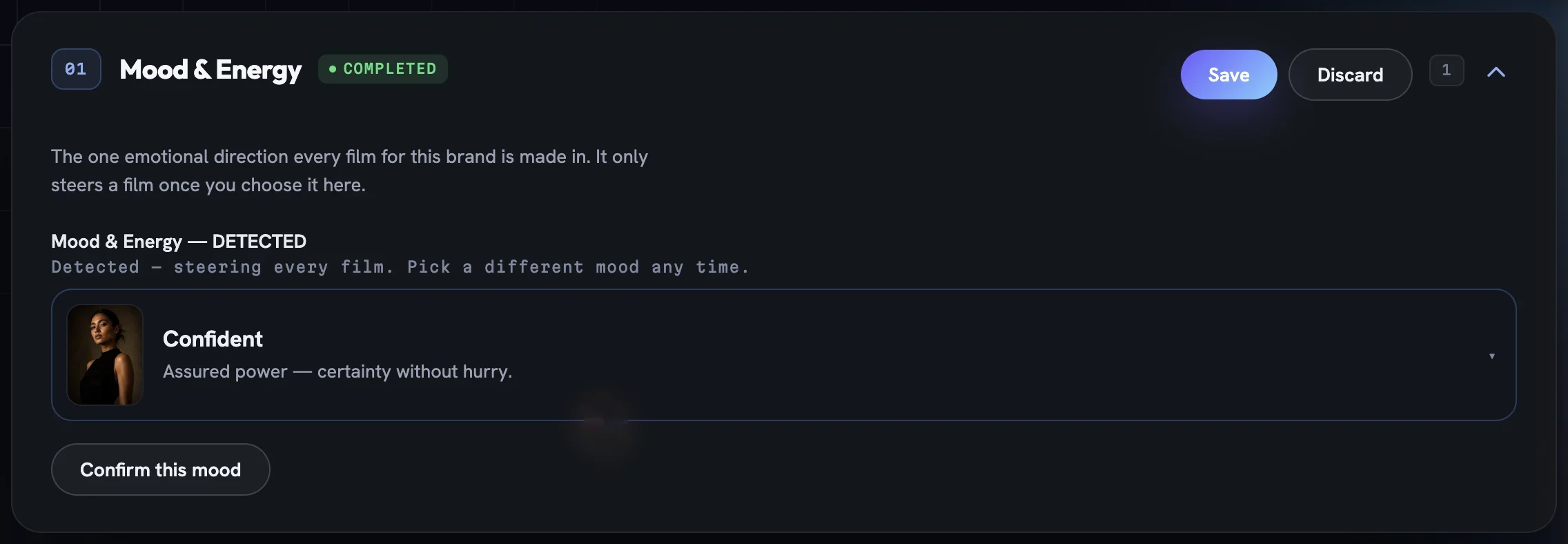
Confirm this mood sits underneath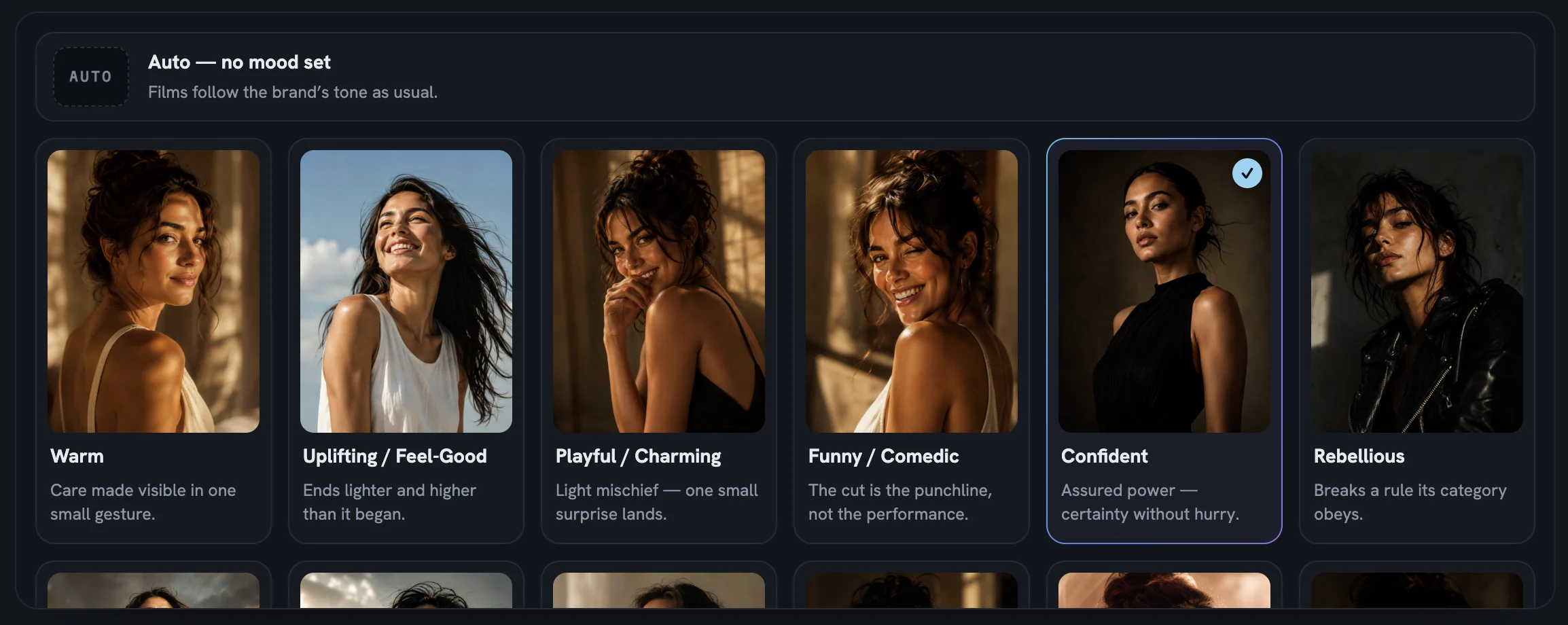
Choosing Auto — no mood set clears the mood and its confirmation. The snapshot chip disappears, the section reads No mood set, and films fall back to the brand’s tone. If you would rather Fotyra look again, Regenerate on the section header re-detects the mood from your brand.
Give one piece a different feeling
The brand mood is a default, not a lock. When you plan a video or a static on the Generate page, the Direction step carries its own Mood & Energy grid with the same fourteen moods. Picks there apply to that piece only and outrank the brand mood; the header states the cap for the run, one mood per concept or ad.
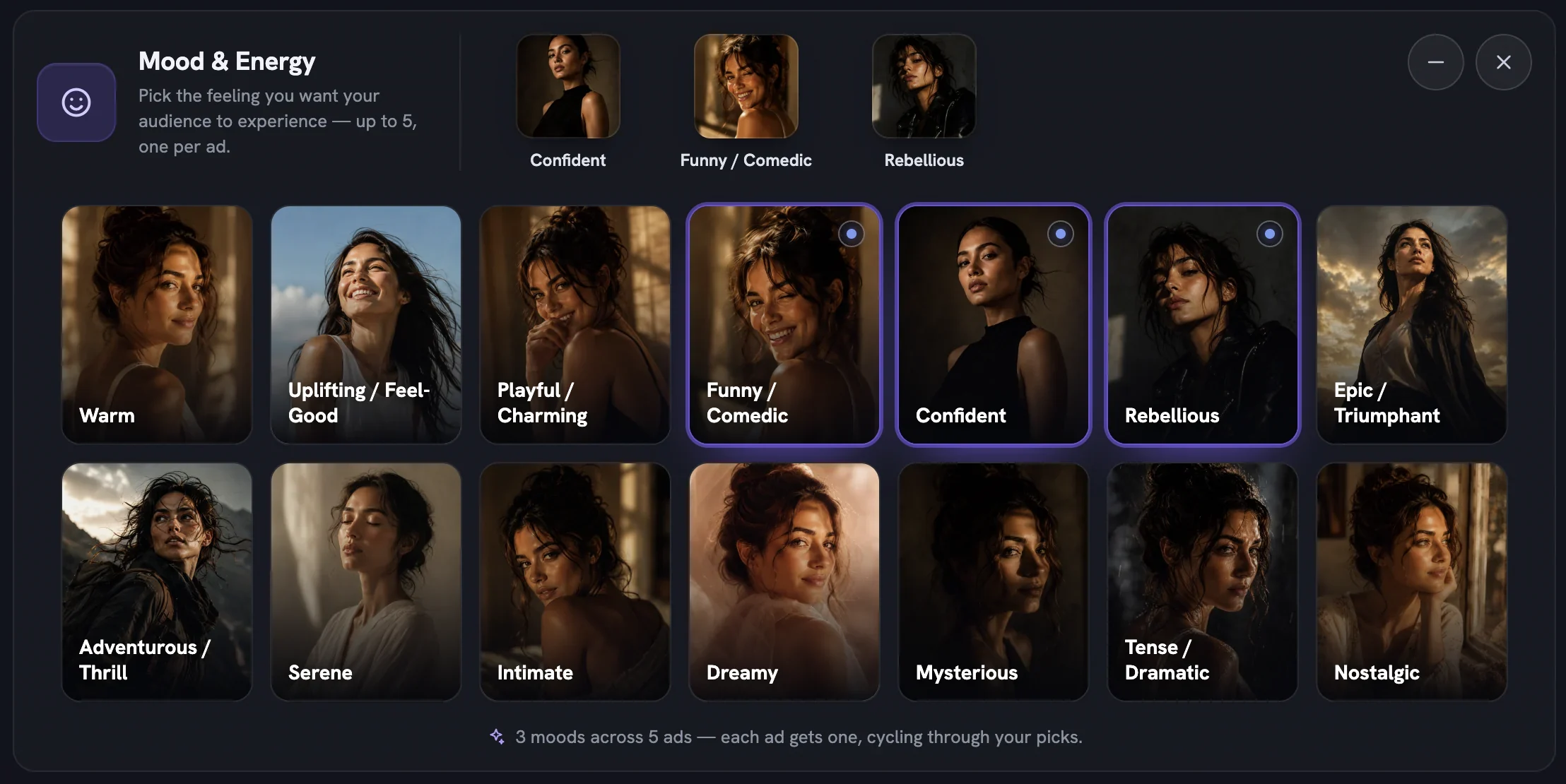
Leave the grid empty and the director works from the brand mood — the note reads If none selected, the director will choose. Only one mood can ever be set on the brand, so this grid is how you give a single campaign a different feeling without touching your Brand DNA. On a video, each pitched idea on the concept board also shows its own Mood & Energy in the focus view. How mood sits alongside Boldness and the add-ons is covered in creative direction and Auto.
More in Your brand
Read enough. Make one.
Point Fotyra at your store and do exactly what this guide describes, on your own brand.